Troubleshooting
Use this page when a Cocoding AI workflow does not behave as expected.
Sign-in problems
| Symptom | What to try |
|---|---|
| Password field does not appear | Submit the email again and wait a few seconds. |
| Invalid credentials | Confirm email and password, then try password reset if available. |
| Social login returns to the wrong page | Try email login and report the provider name and time. |
| Activation required | Complete email verification before retrying. |
Generation problems
| Symptom | What to try |
|---|---|
| Generate button stays disabled | Add a non-empty prompt and check usage limits. |
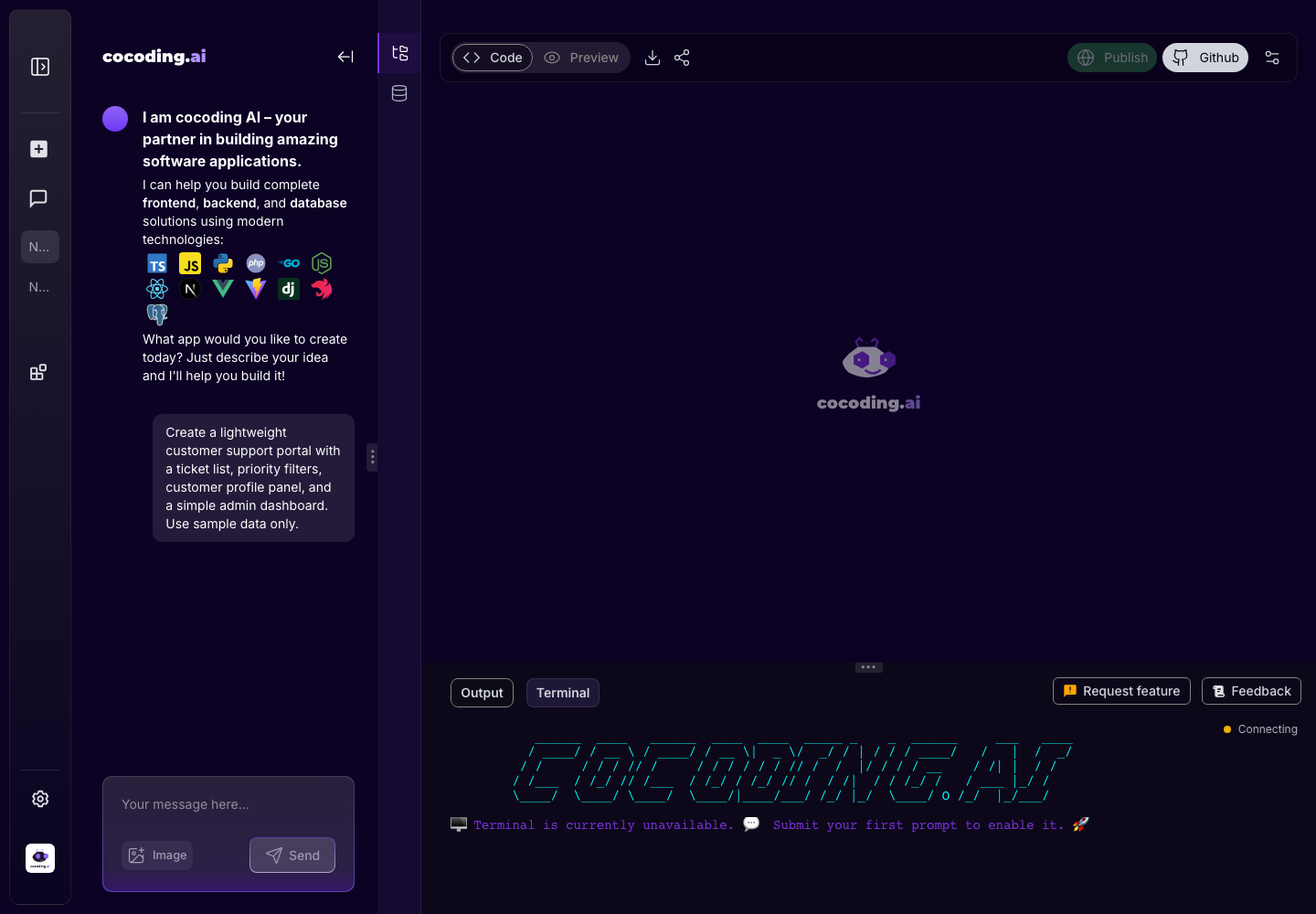
| Project opens with empty preview | Wait for generation, then check terminal output. |
| Assistant result is too broad | Split the request into smaller prompts. |
| Wrong feature was built | Name the exact screen and desired behavior in a follow-up prompt. |
Preview problems
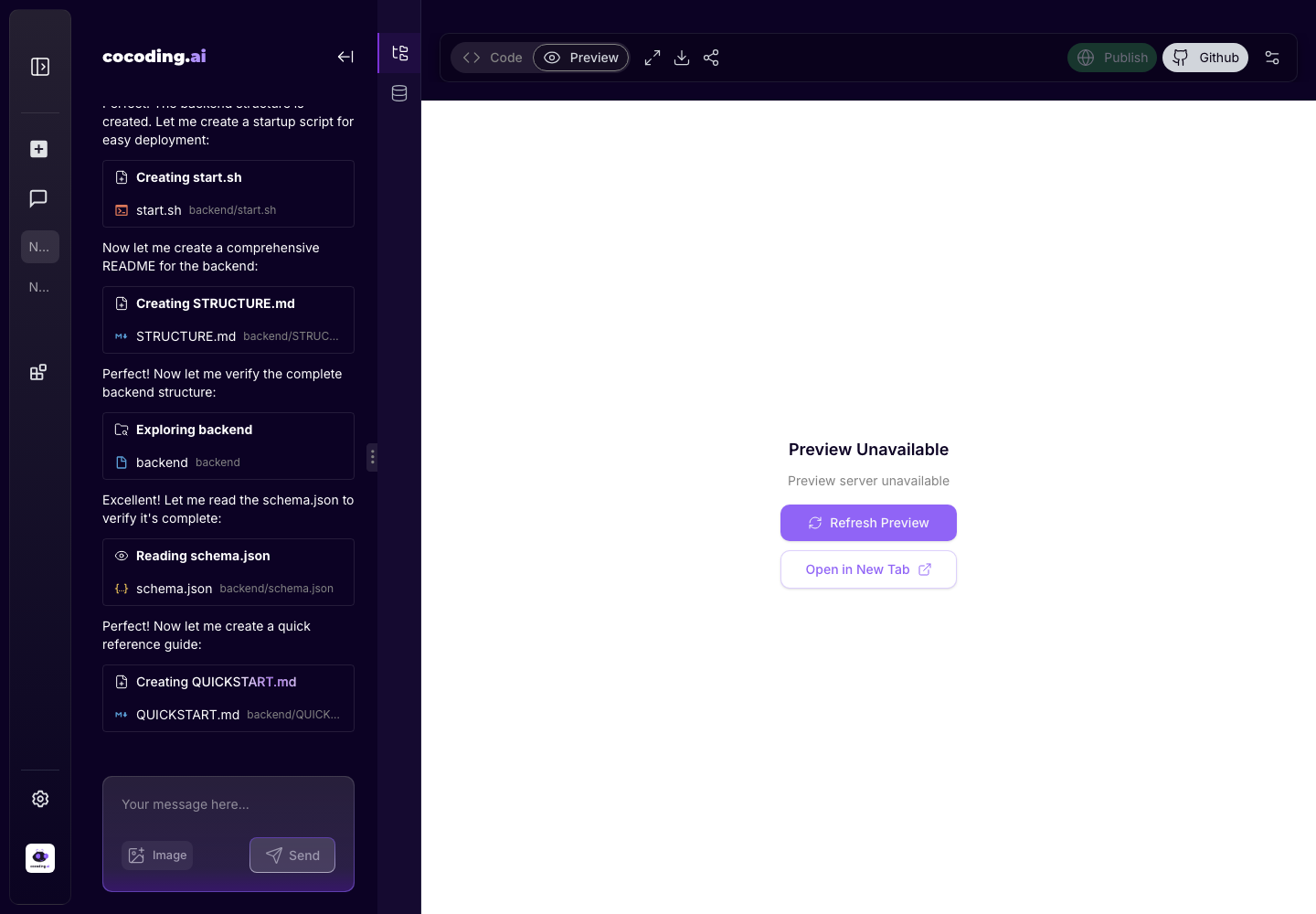
- Refresh preview from the toolbar.
- Switch between Code and Preview.
- Check terminal output for build errors.
- Ask the assistant to fix the specific error.
- Test again after the assistant applies changes.
Terminal-first debugging
When the preview fails, collect only the useful error:
- Open Output or Terminal.
- Find the first error after the latest generation step.
- Copy the error message without secrets.
- Send it to the assistant with the screen that failed.
- Ask for one focused fix.
The preview is blank on the customer booking page.
The terminal shows this error:
[paste relevant error]
Fix the root cause without changing unrelated pages.
Database problems
- Confirm host, port, database, username, and password.
- Use a test PostgreSQL database first.
- Ask the assistant to create or migrate the schema.
- Refresh the database explorer after schema changes.
Integration problems
| Symptom | What to try |
|---|---|
| Payment completes but app state does not update | Check webhook URL, signing secret, and local subscription/order status fields. |
| Slack or WhatsApp messages do not send | Confirm provider credentials are server-side and test mode recipients are approved. |
| OpenAI responses are empty or too expensive | Check model, budget limits, and whether the prompt sends enough context. |
| Supabase or external database returns permission errors | Review API keys, Row Level Security, and table policies. |
| OAuth redirect fails | Confirm provider callback URL and app environment URL match exactly. |
Billing problems
- Confirm plan, billing interval, and selected credits.
- Check whether you already have an active subscription.
- Retry with a different payment method if the provider declines the card.
What to include when asking for help
- The project name or safe project identifier.
- The screen or workflow.
- The action you took.
- The expected result.
- The actual result.
- A cropped screenshot if it helps.
- The relevant terminal or browser error, with secrets removed.