Editor overview
The editor appears inside a project session. It combines generated files, database tools, preview, terminal output, and project actions.
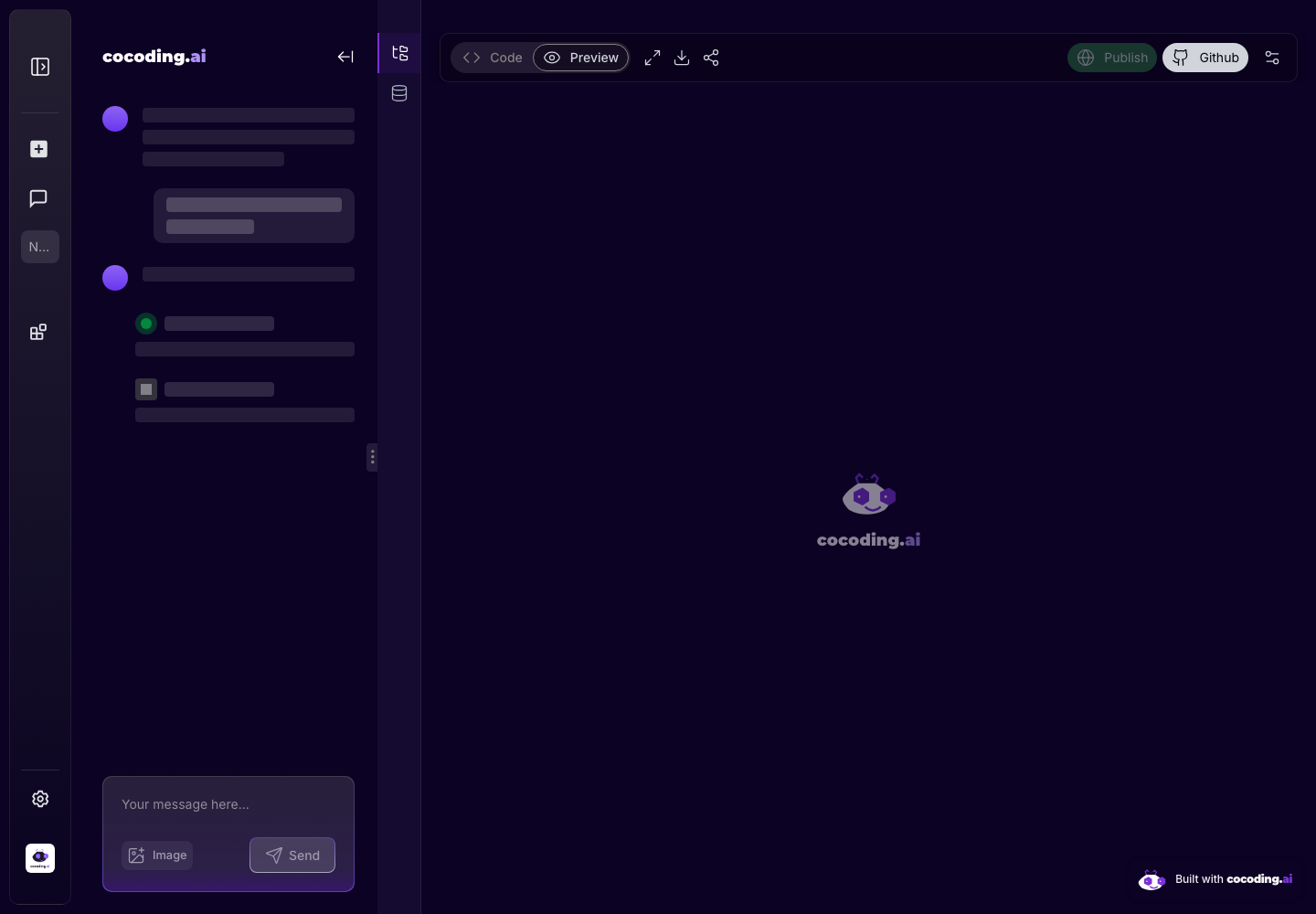
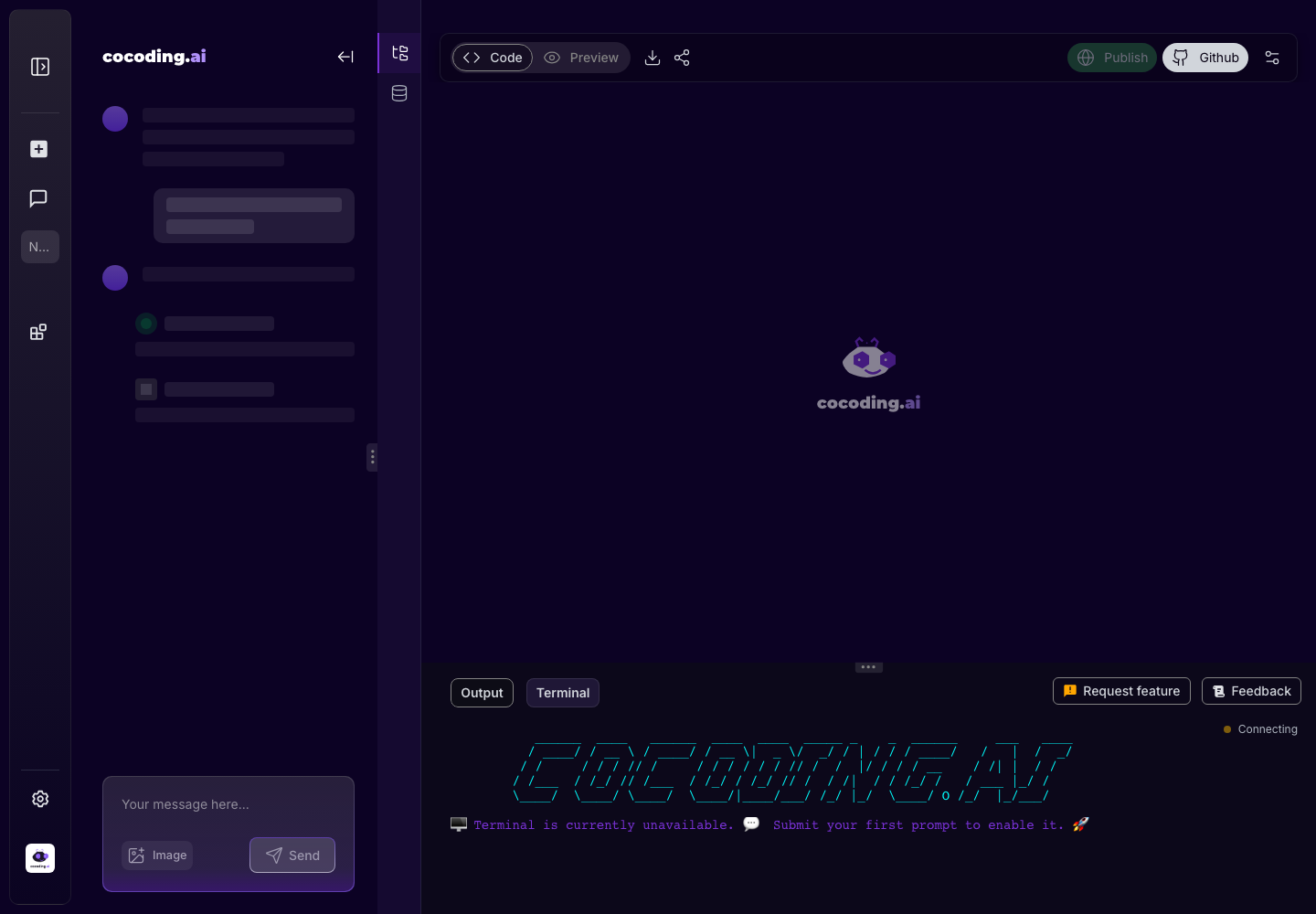
Top controls
- Code opens the generated source editor.
- Preview opens the running application view.
- Full-screen and device controls help inspect the app.
- Download, share, publish, GitHub, and settings controls appear when available for the project and plan.
Left-side tools
The activity bar lets you switch between generated files and database tools. Collapse the explorer when you need more preview space.
Recommended review path
- Start in Preview and test the visible workflow.
- Switch to Code when something needs explanation or a targeted edit.
- Open Output or Terminal if the preview is blank, slow, or failing.
- Use Database tools when the UI depends on stored records.
- Use publish, share, download, or GitHub controls only after the app reaches a stable checkpoint.
Common editor states
| State | What it means |
|---|---|
| Loading placeholders | The assistant is still generating files or the runtime is starting. |
| Empty preview | The app may still be building, or a runtime error may need attention. |
| Terminal connected | You can inspect startup logs and build output. |
| Database connected | Tables, queries, and schema tools can validate generated data. |
| Publish controls enabled | The project is far enough along to review visibility or sharing options. |
Empty or loading states
Early sessions can show loading placeholders or an empty preview. Wait for generation to complete, then refresh preview if needed. If the preview remains unavailable, check Troubleshooting.