OpenAI
Use OpenAI when the app needs chat, summarization, generation, classification, extraction, or workflow assistance.
Example app: document chatbot
A RAG chatbot is a useful OpenAI pattern for knowledge bases, customer support, internal research, education, and document review.
Build a document chatbot.
Users can upload PDFs, view document status, and ask questions.
Extract text from PDFs, split it into chunks, create embeddings, and store vectors.
Use OpenAI for embeddings and a configurable chat model for answers.
Return answers with cited source chunks and a clear "not found" state.
Plan the AI feature
Before implementation, define:
- The exact user action that calls AI.
- Inputs sent to the model.
- Expected output format.
- Model budget and maximum response length.
- Whether outputs must be reviewed before saving.
- Data that must never be sent to the model.
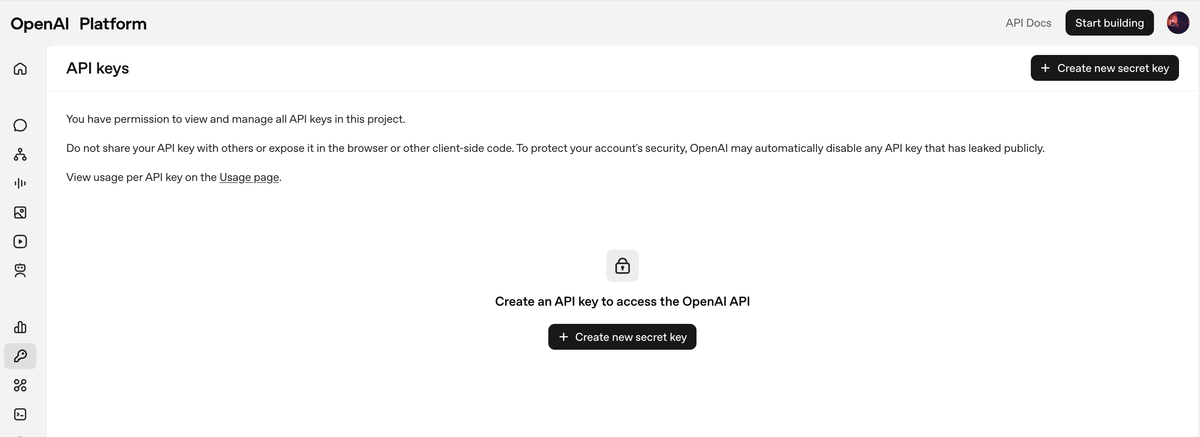
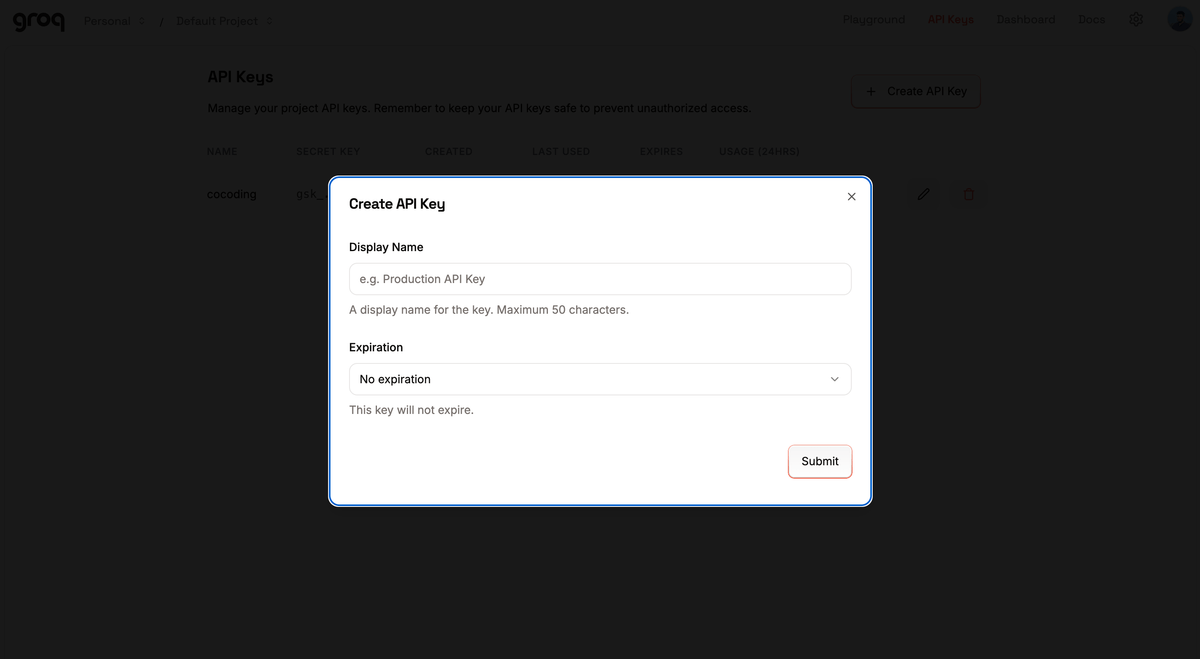
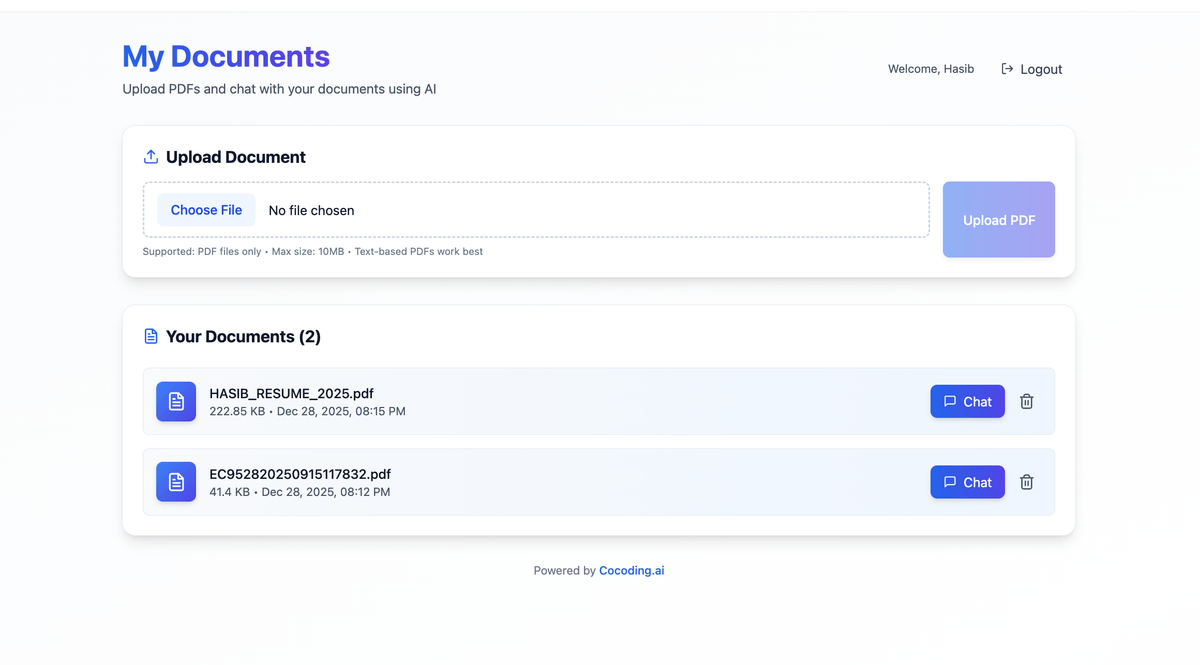
Recommended environment variables
OPENAI_API_KEY=
OPENAI_MODEL=
OPENAI_DAILY_BUDGET_USD=
For RAG workflows, also ask for variables such as:
OPENAI_EMBEDDING_MODEL=
MAX_UPLOAD_MB=
RAG_TOP_K=
Prompt Cocoding AI
Add an AI support reply draft feature.
Use OPENAI_API_KEY on the server only.
Use OPENAI_MODEL from environment configuration.
Return a short draft, confidence score, and escalation reason.
Do not send payment data or private notes to the model.
Test the AI feature
- Use sample data only.
- Confirm the request is made from the backend.
- Confirm the response follows the expected format.
- Add rate limiting or budget checks for repeated use.
- Add an error state for missing API keys or provider failures.
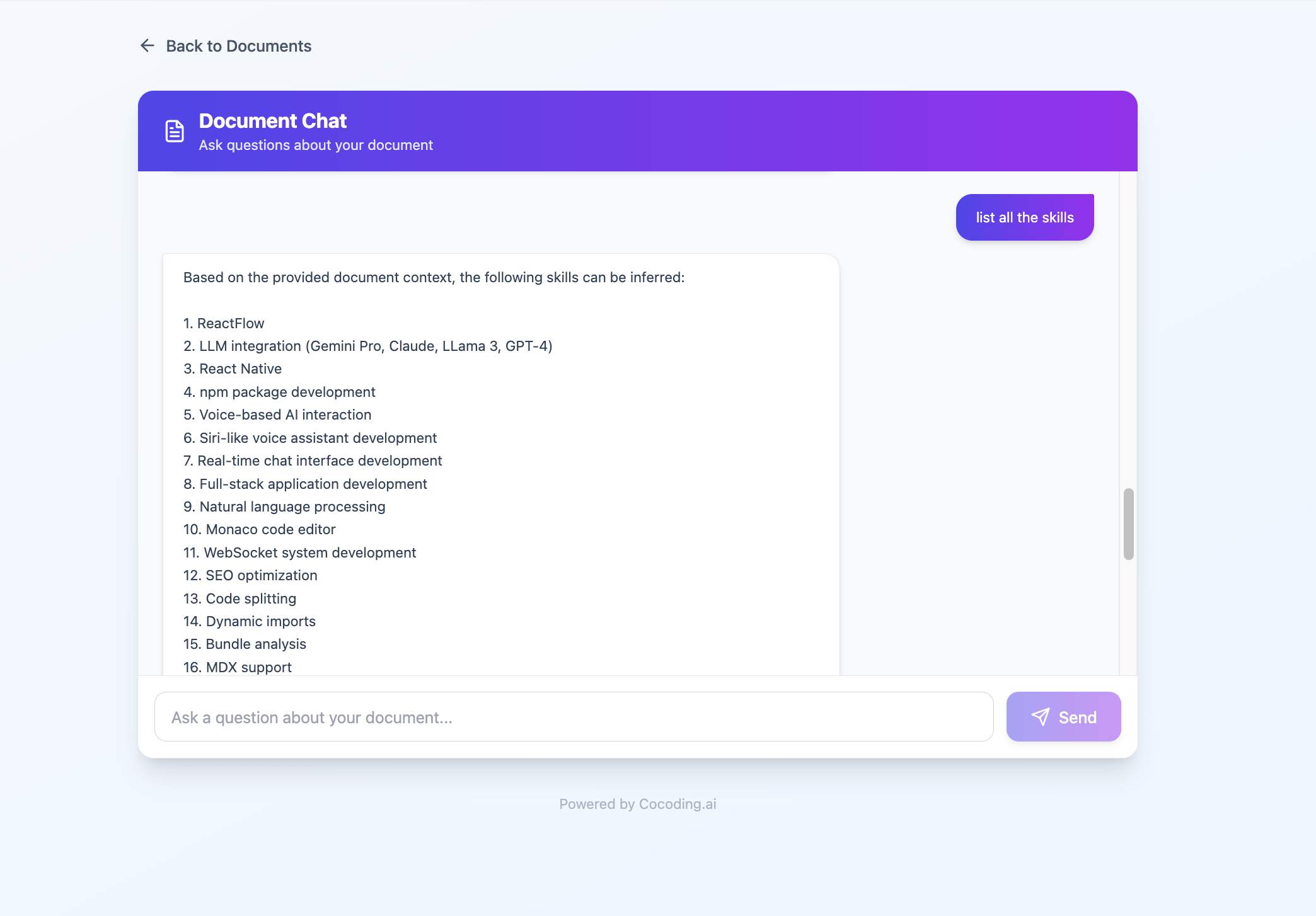
RAG workflow checklist
- Upload a test PDF.
- Extract text.
- Split text into chunks.
- Generate embeddings.
- Store embeddings in the database.
- Convert the user question into an embedding.
- Retrieve the most relevant chunks.
- Generate an answer from those chunks.
- Show sources or a "not enough information" response.
Cost controls
- Set model and embedding model explicitly.
- Add upload size limits.
- Cache document chunks and embeddings.
- Add per-user request limits.
- Log token usage without storing private prompts unnecessarily.
Troubleshooting
| Symptom | Likely cause | What to check |
|---|---|---|
| API key error | Missing or invalid key | Store OPENAI_API_KEY server-side and restart. |
| High usage | No budget or rate limit | Add a daily budget and per-user throttling. |
| Bad output shape | Prompt missing format rules | Ask Cocoding AI to enforce a JSON schema or validation step. |
| Sensitive data risk | Too much context sent | Reduce input fields and add redaction before the AI call. |