Code editor
Use Code when you need to inspect generated files or understand how the app was built.
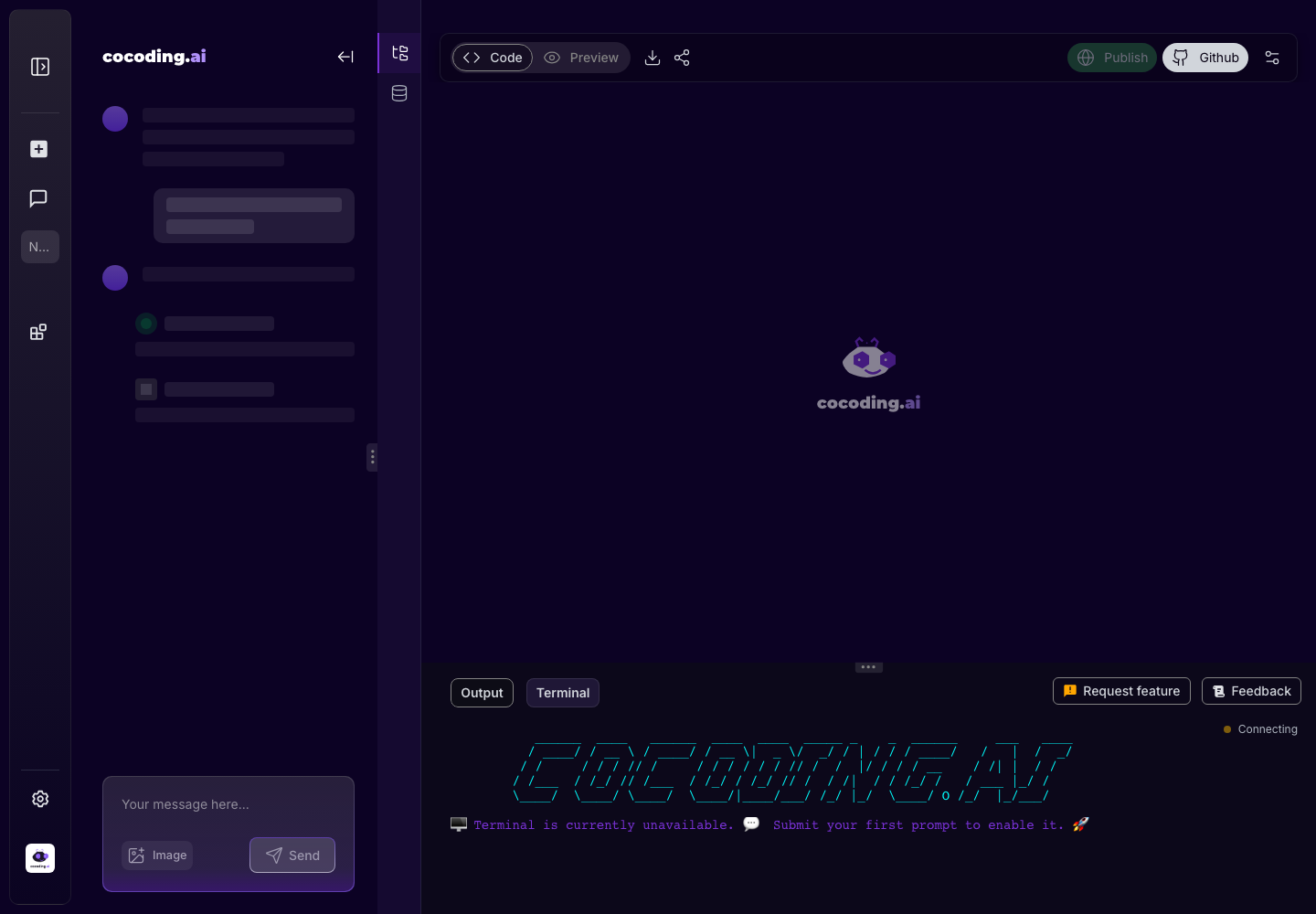
Typical uses
- Confirm file structure after generation.
- Inspect a page, component, API handler, or style file.
- Ask the assistant to edit a specific file or component.
- Compare the code view with the preview result.
What to inspect after generation
| File area | What to look for |
|---|---|
| Pages and routes | The expected public, authenticated, and admin screens exist. |
| Components | Reusable pieces are named clearly and not duplicated unnecessarily. |
| API handlers | Server-side work stays out of browser-only code. |
| Styles | Layout and spacing are defined in maintainable classes or CSS modules. |
| Configuration | Required environment variables are named without hardcoded secrets. |
| Database files | Models, migrations, or query helpers match the product workflow. |
Ask for file-specific changes
When possible, point Cocoding AI at the exact file or component:
In the booking dashboard component, add a status filter for pending, confirmed, and cancelled bookings.
Keep the existing table layout and only add the filter controls above the table.
Review the API route that creates bookings.
Add validation for missing check-in date, check-out date, guest count, and listing ID.
Return clear error messages for the form.
Tips
- Reference file names when you ask for a change.
- Use preview to verify visual changes.
- Use terminal output to diagnose dependency or runtime errors.
- Avoid editing secrets directly into source files.
- Ask for a short explanation of changed files after major edits.
- Re-test the specific screen that uses the edited file.