Cocoding AI Docs
Build a SaaS application from a prompt, then refine it in one workspace.
Use these guides to go from account access to a generated application, inspect the code, preview the result, work with the database, publish or share the project, and troubleshoot common build issues.
 Recommended path
- Sign in to Cocoding AI.
- Describe the SaaS app you want.
- Review chat, files, preview, and terminal output.
- Use database tools for schema and records.
- Publish, share, download, or continue iterating.
Create your first app
Sign in, write a clear prompt, attach optional reference images, and start a Cocoding AI build session.
Open guideUse the workspace
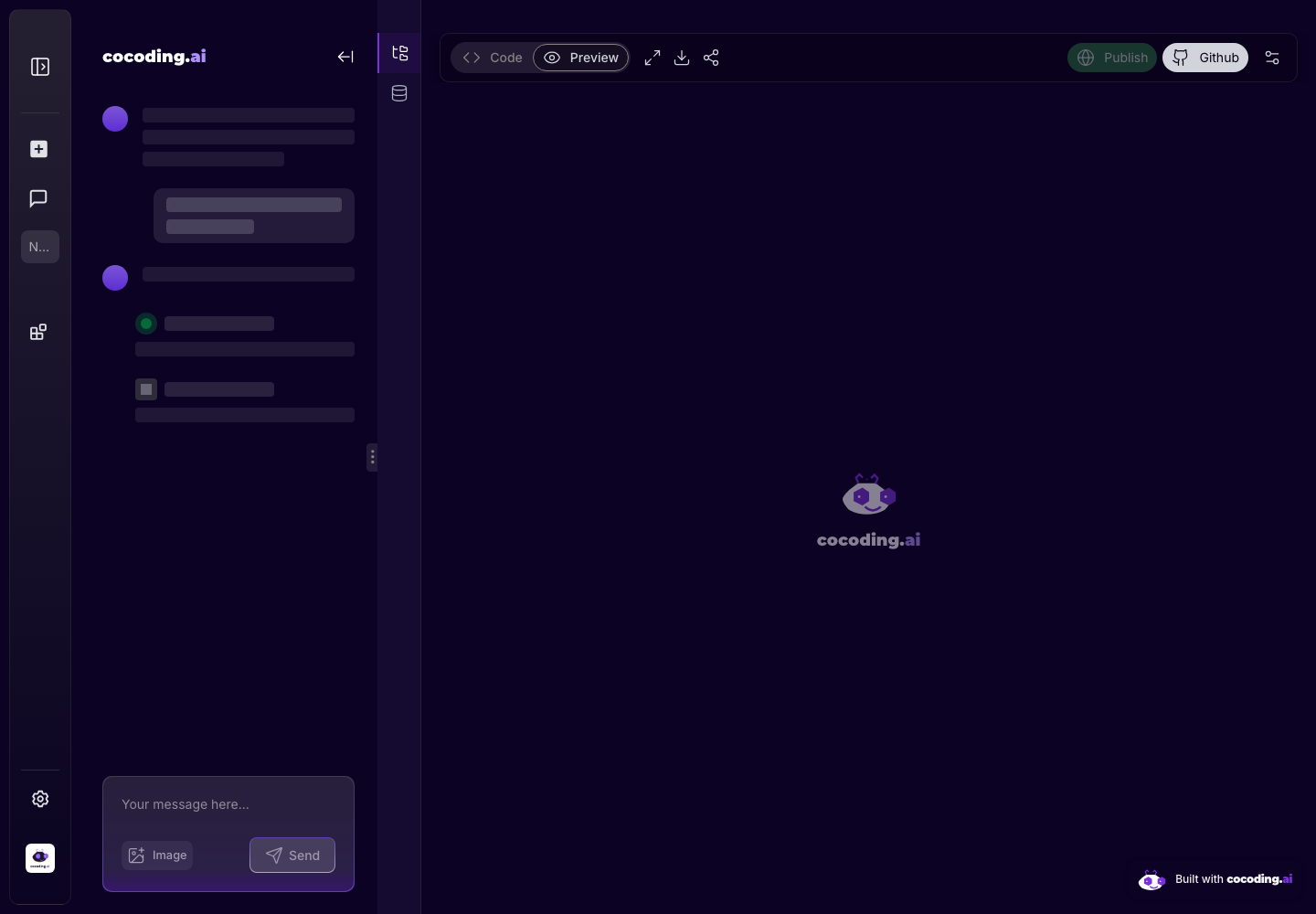
Understand the chat panel, file explorer, preview, terminal output, database tools, and publish controls.
Open guideOperate with confidence
Review billing, integration preparation, secret handling, common limits, and troubleshooting guidance.
Open guideProduct context
The assistant is the center of the build flow.
Start with a natural-language prompt, then use the same workspace to chat, inspect generated code, preview the app, connect a database, and publish or share the result.