Create an app
Use this guide to create a new project from a prompt.
Start from the assistant
- Open the assistant.
- Write a specific product prompt.
- Attach reference images if they clarify layout, branding, or data.
- Choose Generate.
- Wait for the project session to open.
- Review assistant messages and generated workspace state.
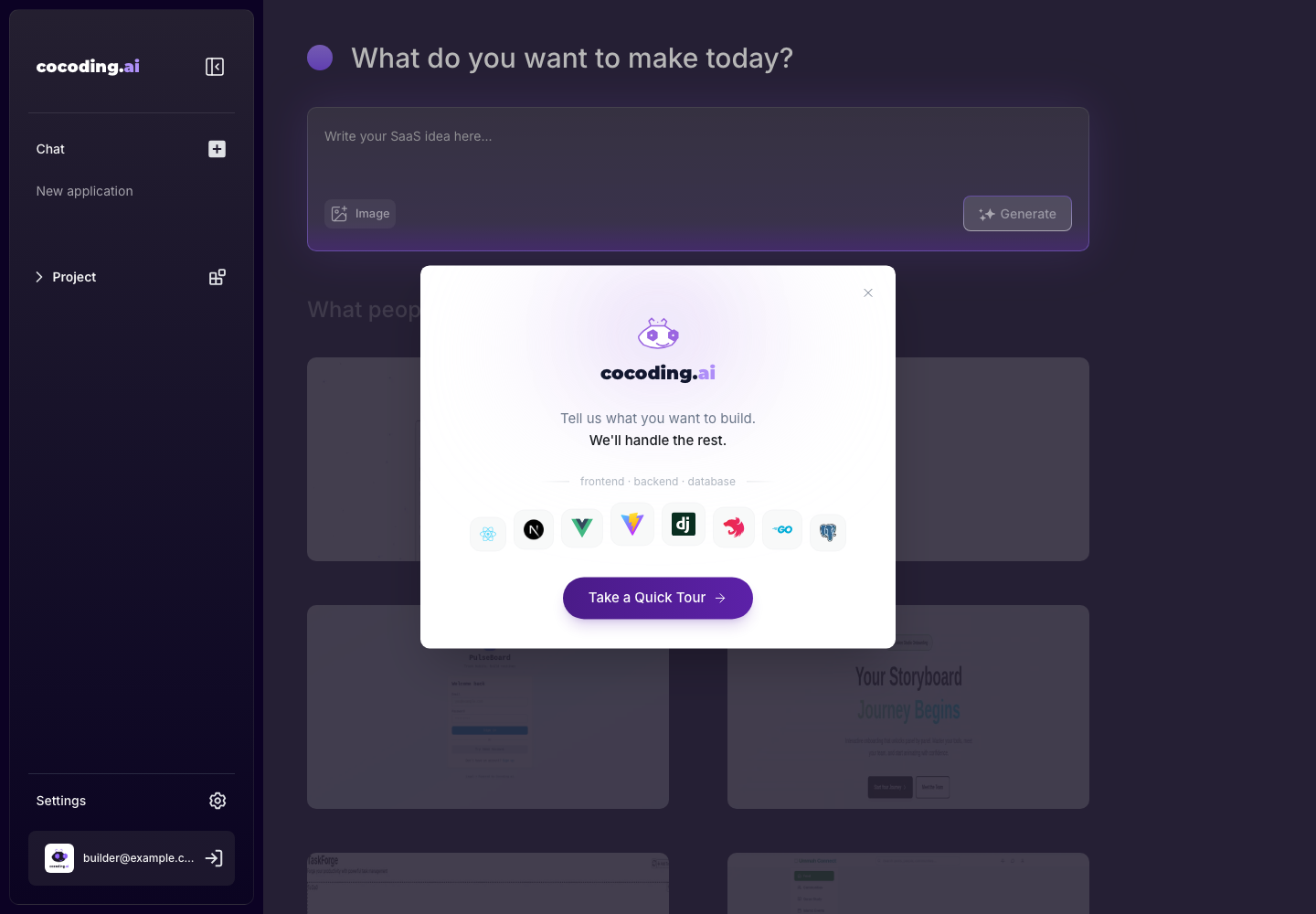
Example first prompt
Create a lightweight customer support portal with a ticket list, priority filters,
customer profile panel, and a simple admin dashboard. Use sample data only.
Good first prompts include:
- The kind of app you want.
- The main user roles.
- The core pages or workflows.
- The data the app should manage.
- Any integrations or payment flows you want.
Watch generation start
After you choose Generate, Cocoding AI opens a project session and starts planning, creating files, and checking the generated structure.
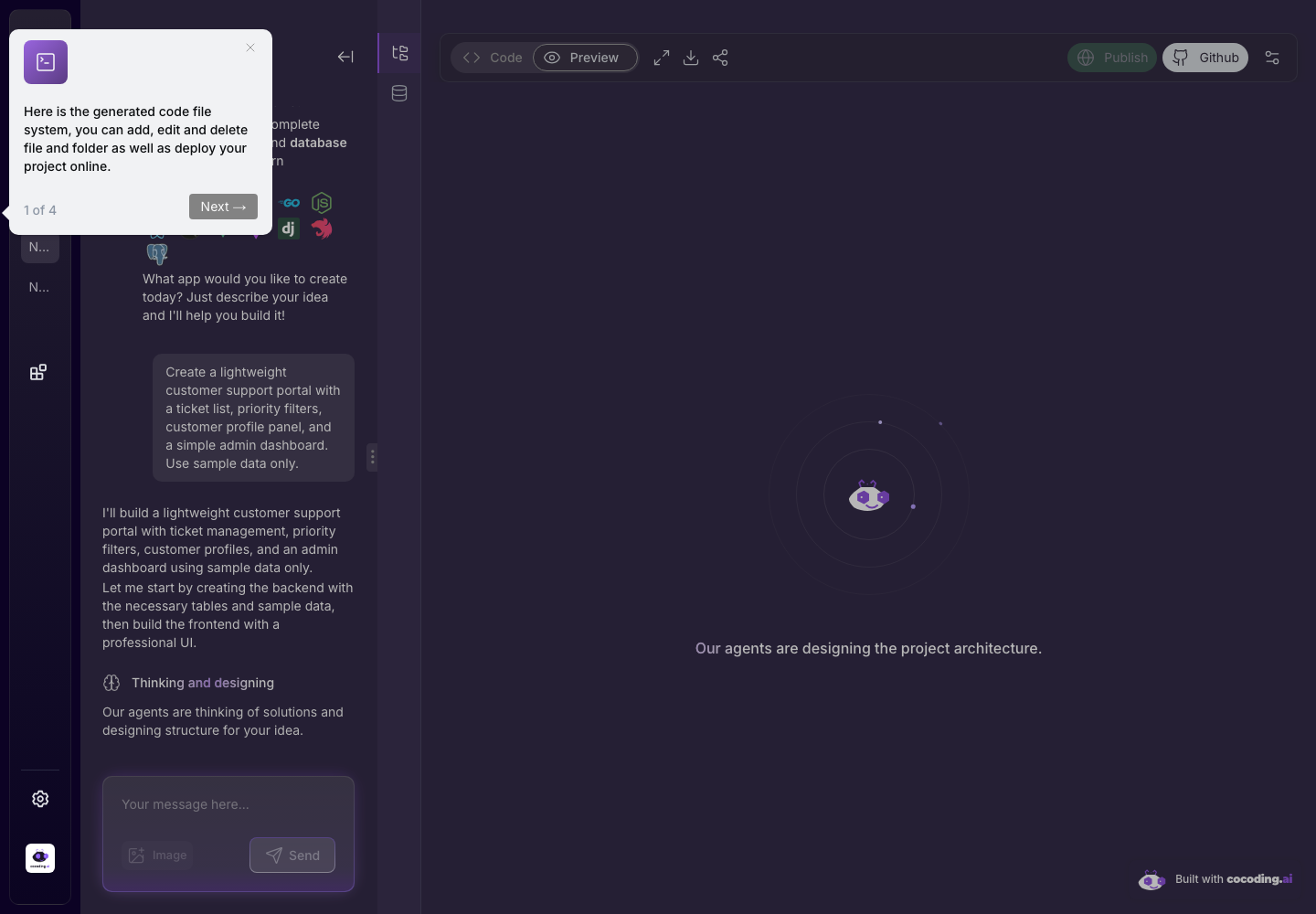
What Cocoding AI does during generation
Generation usually moves through these phases:
| Phase | What happens |
|---|---|
| Understand | Cocoding AI reads the product request, roles, data model, and constraints. |
| Plan | It chooses a practical app structure and identifies pages, API routes, and database needs. |
| Create | It writes frontend, backend, styles, seed data, and configuration files. |
| Run | It starts the generated runtime and surfaces terminal or output messages. |
| Preview | It exposes a preview when the app is ready enough to inspect. |
If a phase fails, open Terminal and output and ask Cocoding AI to fix the specific error shown there.
Expected result
The generated session should give you a workspace where you can continue chatting, inspect generated files, preview the app, view output, and publish or share when available.
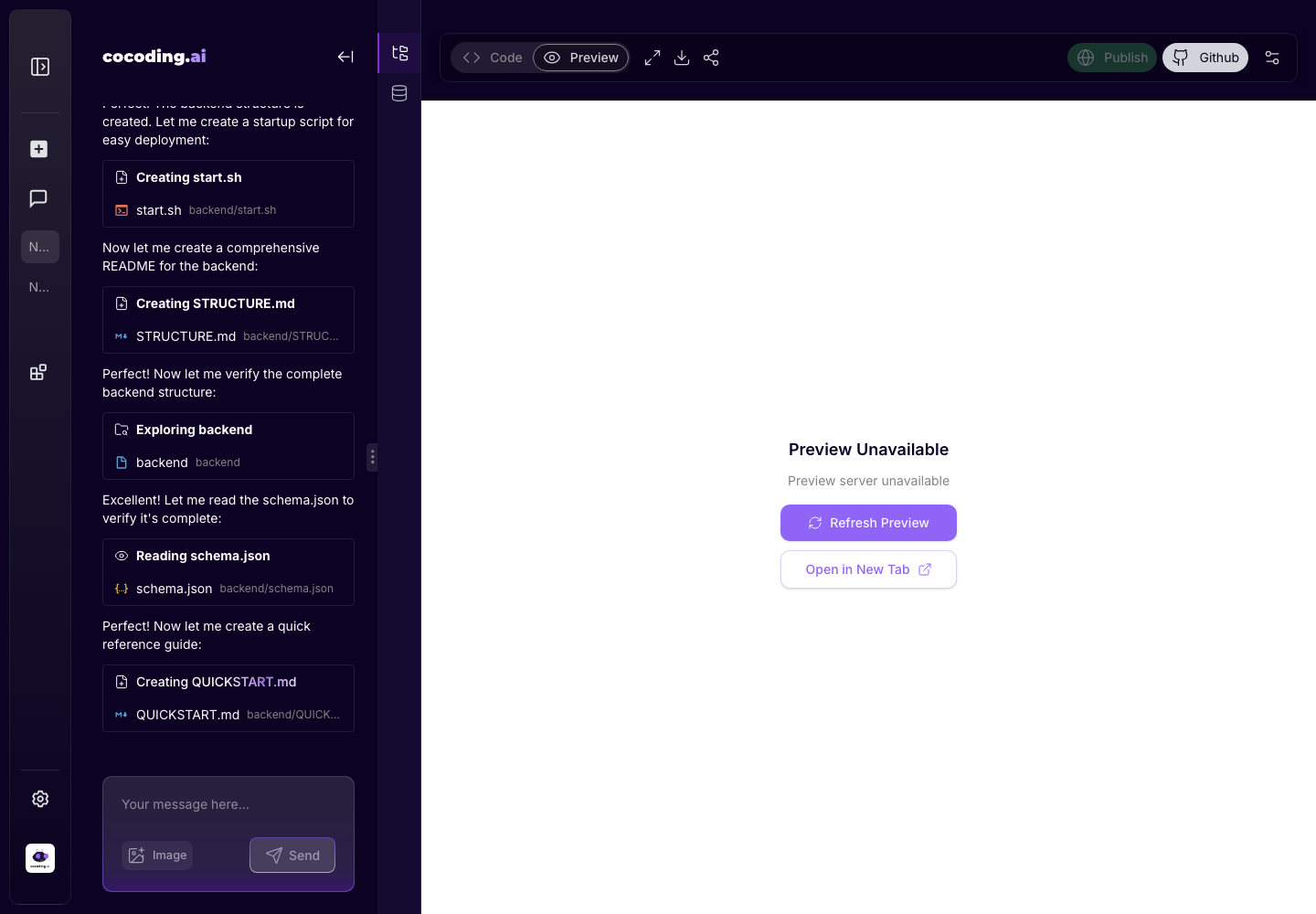
If the app does not generate
- Keep the prompt under one clear product scope.
- Avoid asking for too many unrelated apps in one request.
- Check terminal output if a workspace opens but preview is blank.
- Ask for a smaller first version, then iterate.
- If billing or credits block generation, review Billing and plans.
Next steps
- Open Assistant workspace to understand the project screen.
- Open Preview, publish, and share before sharing with anyone.
- Open Terminal and output when the preview is unavailable or a build fails.
- Open Database explorer when the app saves users, bookings, products, tasks, messages, or any other records.