Tables and records
After a database is connected, the table view helps you inspect records.
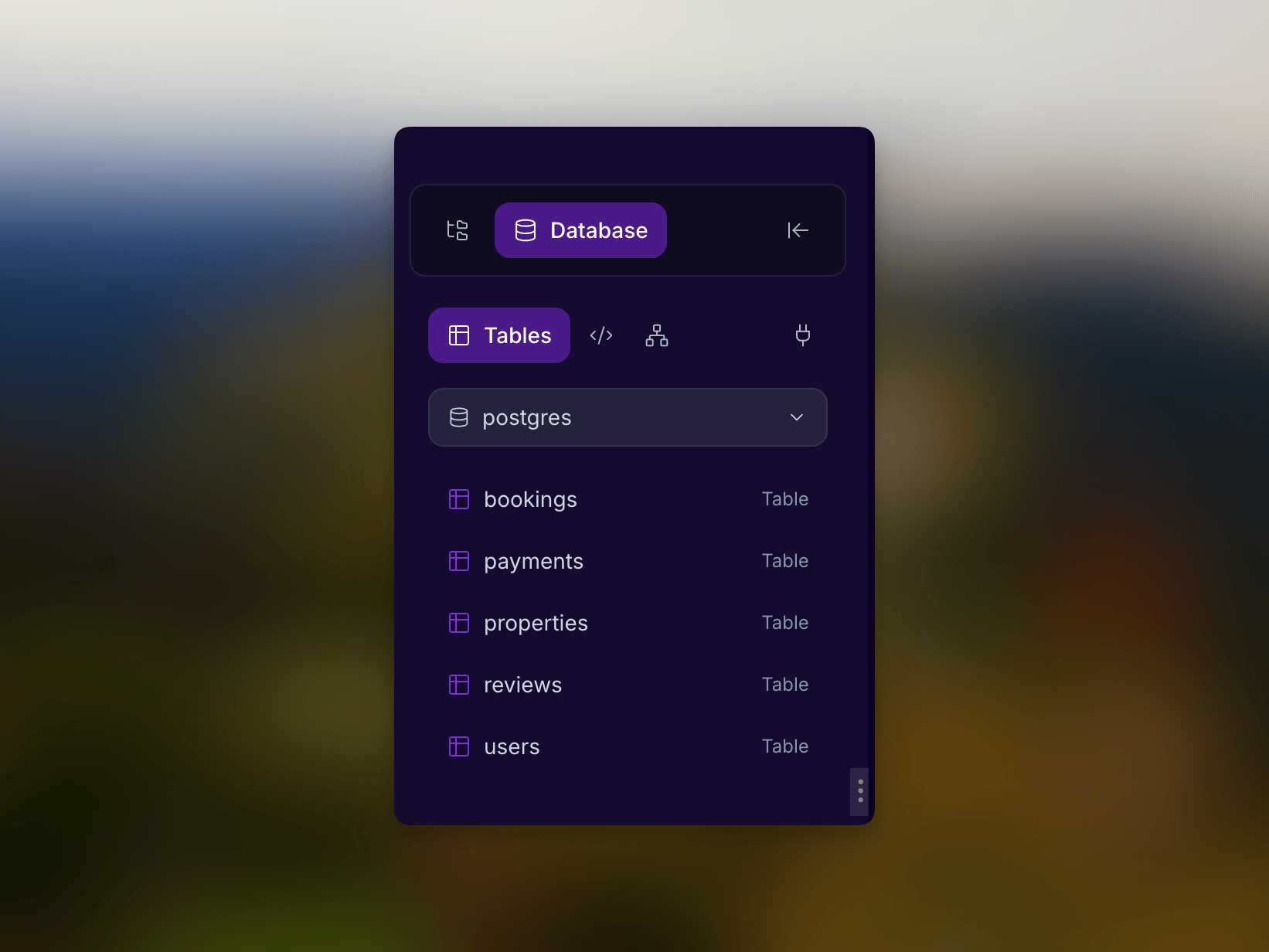
Use table browsing to
- Confirm seed data exists.
- Check generated CRUD screens against stored records.
- Validate user, product, booking, invoice, or task data.
- Add or update records during testing.
What to inspect first
| Data type | What to check |
|---|---|
| Users | Test accounts, roles, verification state, profile fields. |
| Bookings or orders | Status, owner/customer IDs, dates, amounts, and timestamps. |
| Products or listings | Public visibility, price, images, availability, and category. |
| Payments | Payment status, provider reference, currency, and amount. |
| Audit or activity records | Actor, action, target record, and created time. |
Connect records to preview behavior
When preview behavior looks wrong, compare it with table data:
- Find the screen that is wrong.
- Identify the table that should power it.
- Confirm the expected row exists.
- Check required columns and status values.
- Ask Cocoding AI to update the query, filter, or UI state.
The admin bookings table is empty, but the bookings table has rows.
Update the admin page query so it reads bookings ordered by created_at desc.
Show an empty state only when there are zero rows.
Safe editing
- Work in a test database while experimenting.
- Keep sample records clearly labeled.
- Avoid storing secrets or credentials as normal table values.
- Confirm the app preview after changing records.
If no tables appear
- Confirm you selected the right database.
- Ask the assistant to create or migrate the schema.
- Check terminal output for migration errors.
- Refresh the database explorer after schema changes.
Table naming tips
Good table names make generated code easier to review. Prefer names that match product language: customers, bookings, invoices, tasks, projects, messages, subscriptions, or audit_events. Avoid vague tables such as data, items, or records unless the product really uses those generic concepts.