Telegram
Use Telegram when you need bot commands, team alerts, simple customer notifications, or lightweight operational workflows.
Example app: task reminders
Build a task reminder app with React, NestJS, PostgreSQL, and a Telegram bot.
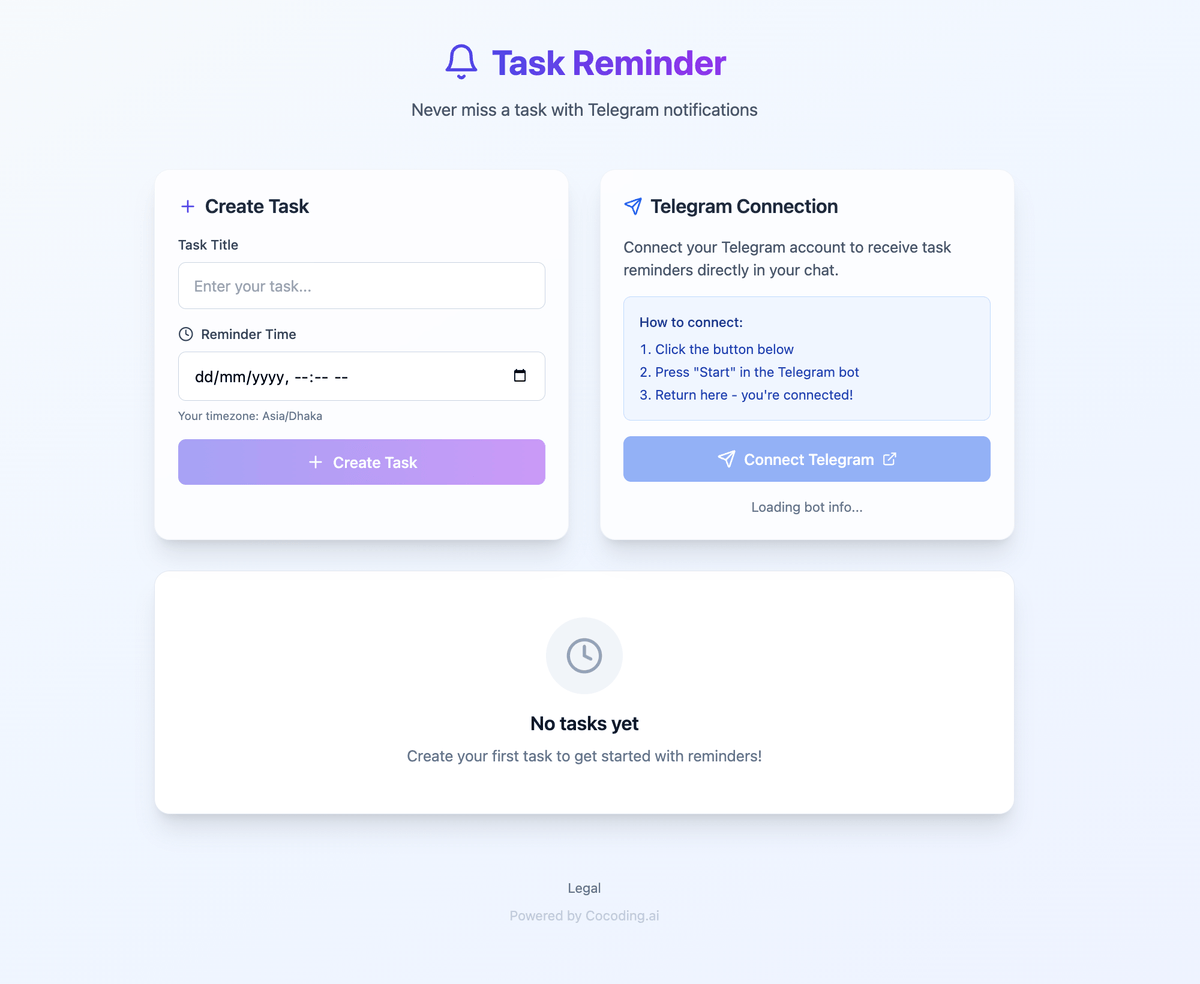
Users can create tasks with a title, due date, reminder time, and status.
The app should let users connect Telegram by starting the bot.
Store each user's Telegram chat ID server-side.
Send one reminder message when a task reaches its reminder time.
Create a bot
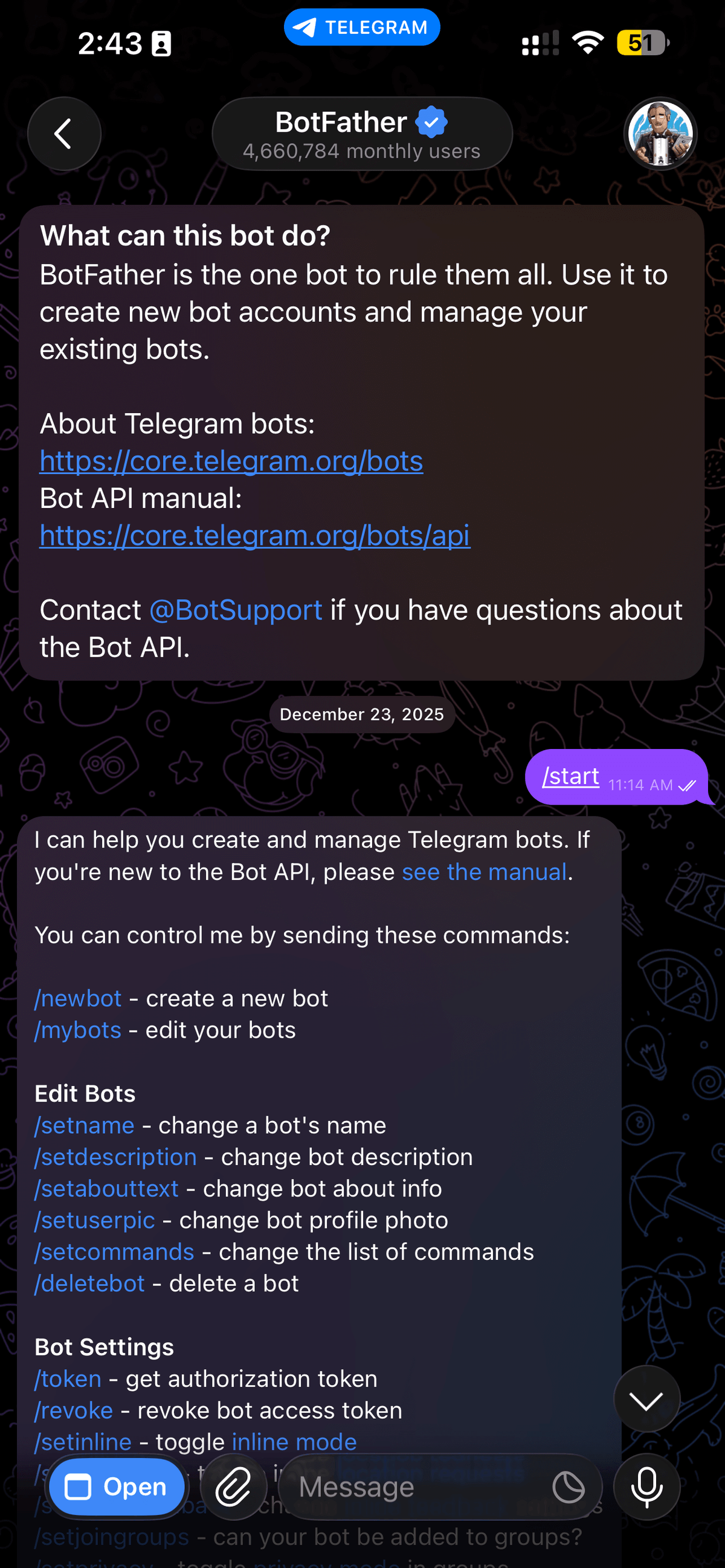
- Open Telegram and search for BotFather.
- Start the bot creation flow.
- Choose a clear display name and username for the bot.
- Copy the bot token into your secret manager or runtime configuration.
- Do not paste the token into Cocoding AI chat, screenshots, or client code.
Recommended environment variables
TELEGRAM_BOT_TOKEN=
TELEGRAM_DEFAULT_CHAT_ID=
TELEGRAM_WEBHOOK_SECRET=
Capture the chat ID
The generated app needs a way to know which Telegram chat belongs to which user. Ask Cocoding AI to implement one of these patterns:
- A Connect Telegram button that opens the bot with a user-specific start parameter.
- A
/startcommand that records the Telegramchat_idagainst the signed-in user. - A manual admin field for a default team chat ID when the app sends team alerts.
Do not hardcode personal chat IDs into source files.
Prompt Cocoding AI
Add a Telegram bot for task reminders.
Use TELEGRAM_BOT_TOKEN on the server only.
Support /start and /help commands.
Send reminder notifications to TELEGRAM_DEFAULT_CHAT_ID.
Show clear setup errors when the bot token is missing.
Test the bot
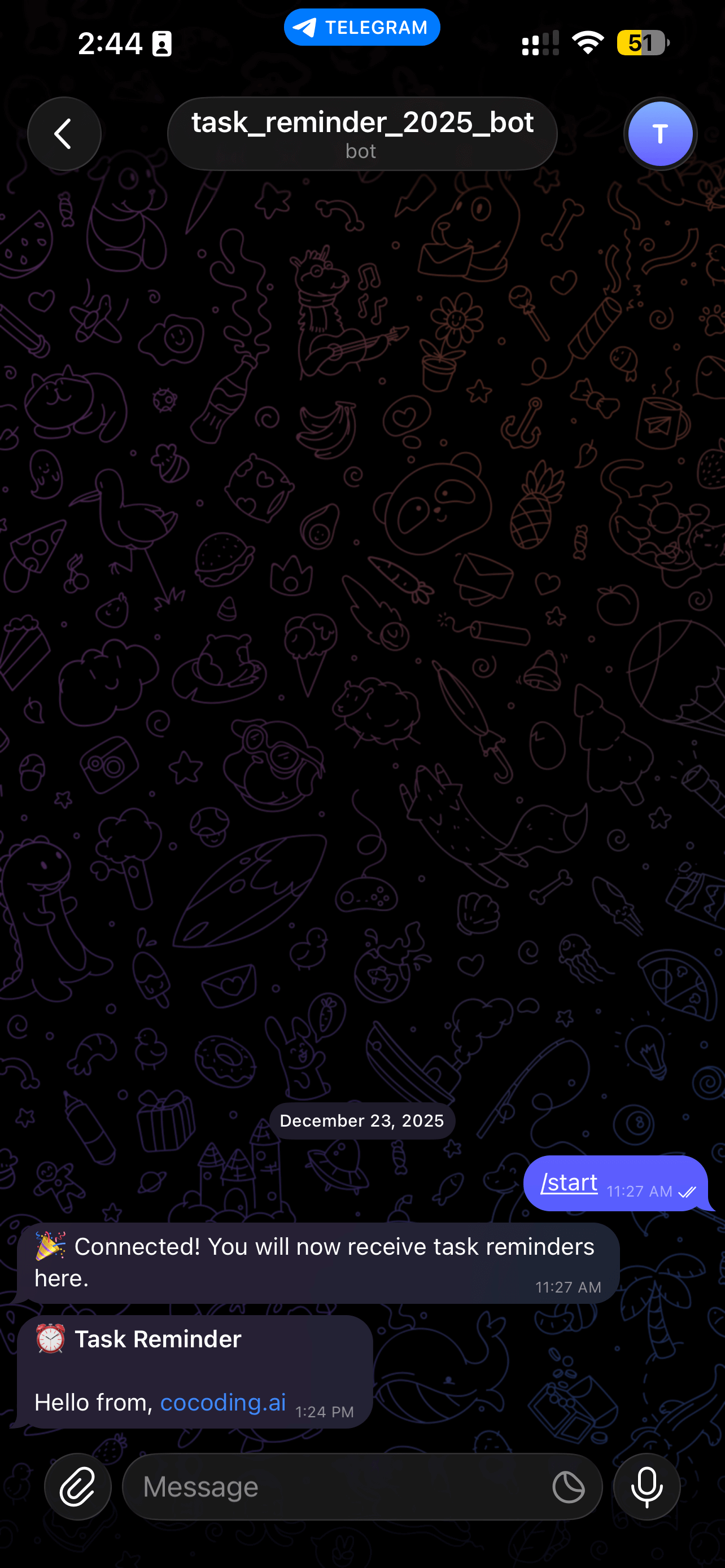
- Message the bot with
/start. - Trigger one safe test notification from the app.
- Confirm the message appears in Telegram.
- Confirm the app logs success or failure.
- Ask Cocoding AI to add retry behavior only after the basic test works.
Optional bot polish
Use BotFather to add:
/helpcommand.- A short bot description.
- A square bot profile image.
- Command descriptions such as
start - connect your account.
Troubleshooting
| Symptom | Likely cause | What to check |
|---|---|---|
| Bot does not answer | Token missing or invalid | Recreate the token and store it server-side. |
| Message not delivered | Chat ID missing | Send /start and confirm the chat ID used by the app. |
| Commands not visible | Command list not configured | Use BotFather to set commands. |
| Webhook fails | App URL is not reachable | Test webhook URL after publishing. |