Billing and plans
Billing controls manage subscription state, payment methods, credits, and plan changes.
Track credits and budget
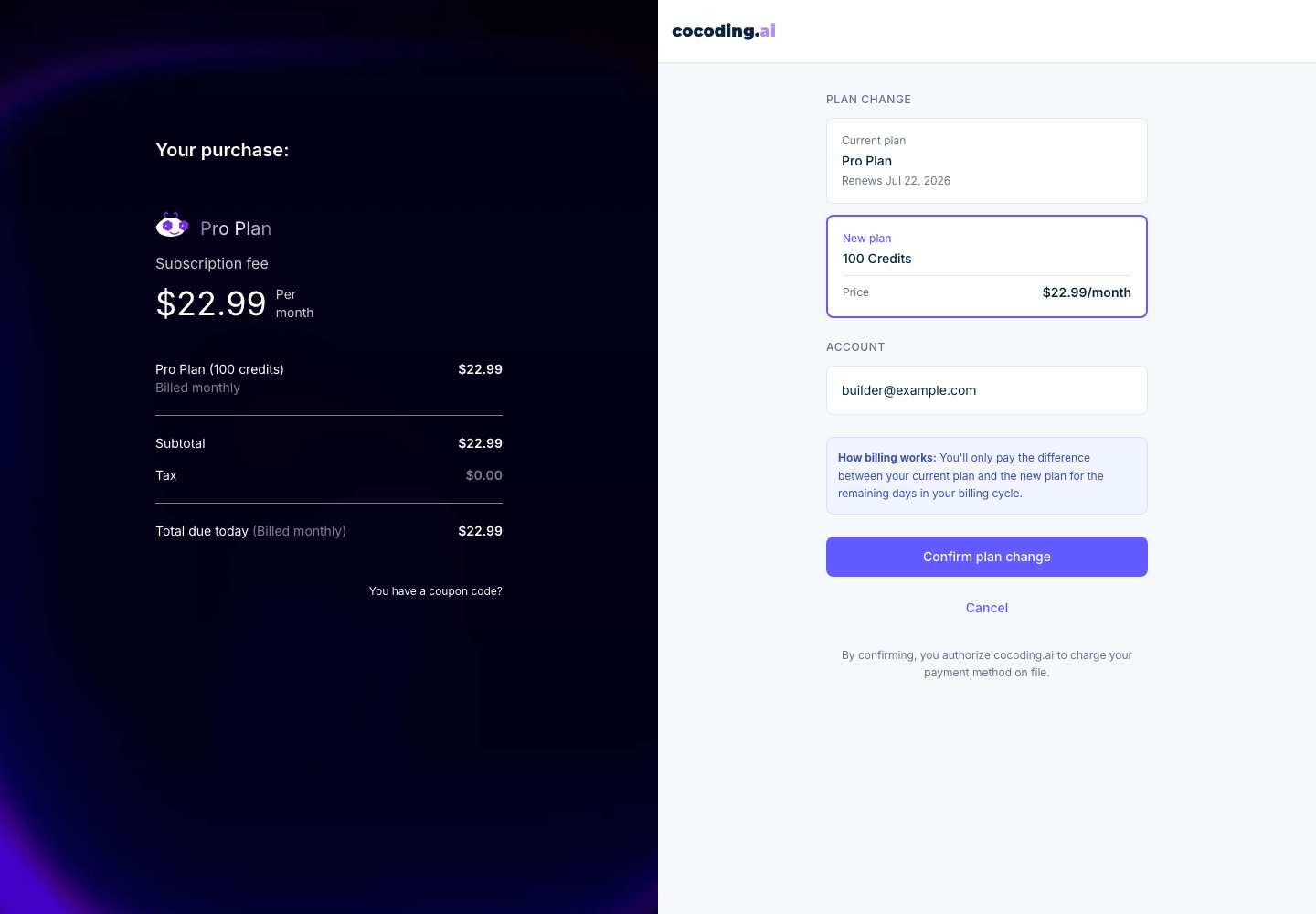
Your plan can include a monthly credit allowance. Use billing and account settings to understand:
- Current plan.
- Monthly credit allowance.
- Renewal date.
- Price and billing interval.
- Whether a plan change charges a prorated difference.
- Which capabilities are included with the plan.
Upgrade or adjust a plan
- Open Settings from the assistant sidebar.
- Open Billing & Options.
- Review your current plan, credit allowance, active project limit, Git integration, runtime specs, agents, and support level.
- Choose Adjust plan or open the payment page when you need more credits or plan features.
- Review the plan-change summary before confirming.
What plans can affect
- Generation credits or usage.
- Project retention.
- Download availability.
- Publishing options.
- Premium visibility controls.
- Runtime capacity such as CPU, RAM, or storage.
- Access to premium agents or support options.
Before changing a plan
- Confirm the account email.
- Review billing interval and selected credits.
- Check current subscription status.
- Save invoices or receipts if needed.
- Confirm whether the change applies immediately or at renewal.
If payment fails
- Confirm the payment method is valid.
- Retry after checking the billing details.
- Use a different card if the provider declines the transaction.
- Contact support with the approximate time and plan you attempted to purchase.