Use images and context
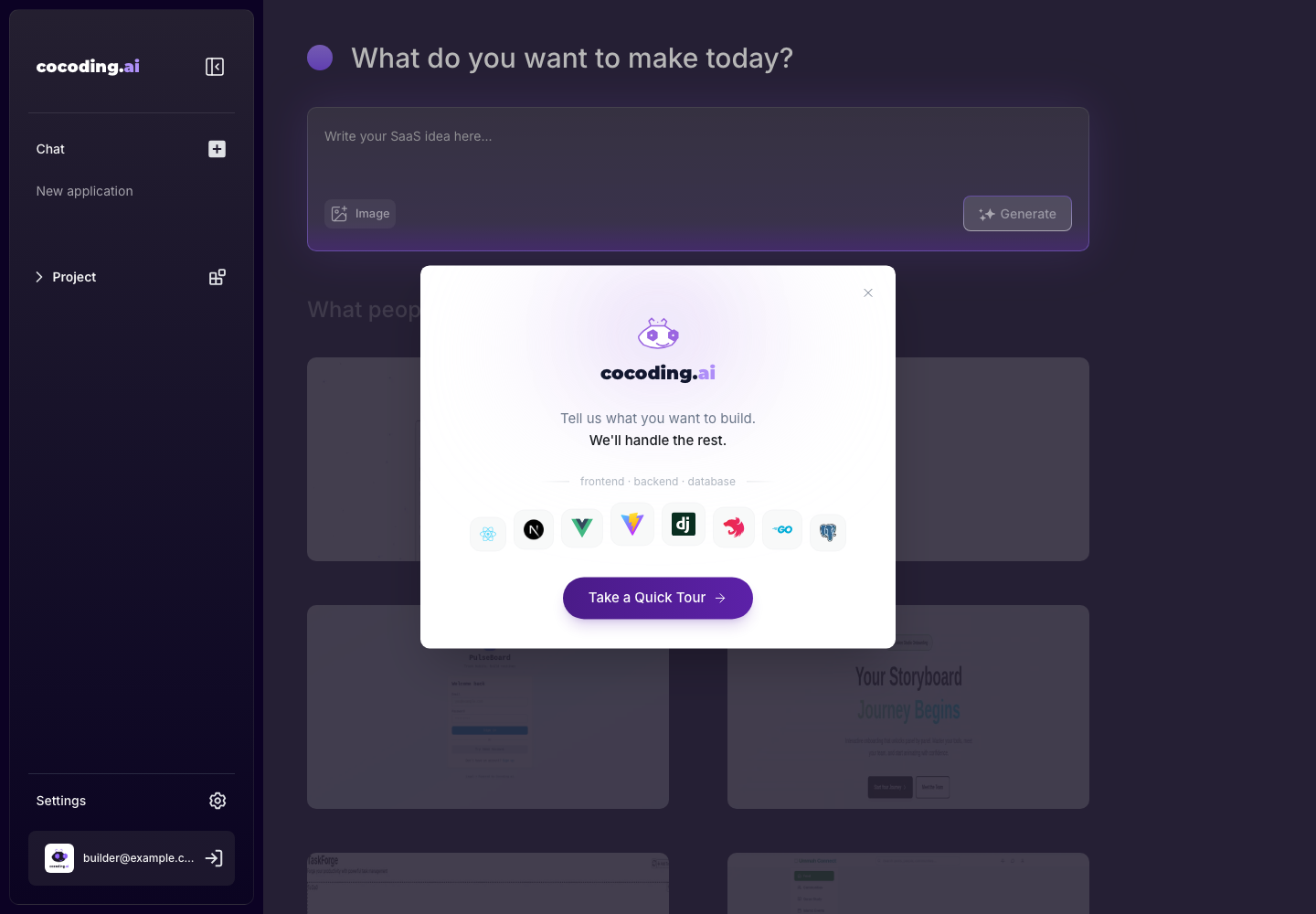
Cocoding AI supports image attachments in the prompt area. Use images when visual structure, layout, or brand direction is easier to show than explain.
Good image uses
- Wireframes or sketches.
- Screenshots of a dashboard layout you want to approximate.
- Product cards, tables, forms, or admin layouts.
- Brand mood boards or visual references.
- Error screenshots during debugging.
Add enough text
Images are most useful when paired with instructions. Tell the assistant what to copy, what to avoid, and what should be changed.
Use the attached screenshot only as layout inspiration.
Build the same dashboard structure, but use our hotel booking data:
bookings, guests, rooms, revenue, and upcoming stays.
How to describe an attached image
Use a short checklist in the prompt:
- What the image represents.
- Which parts should be copied.
- Which parts should be ignored.
- Which data fields should replace the sample content.
- Whether the final design should be desktop-first, mobile-first, or responsive.
The attached image is a reference for an analytics dashboard.
Copy the information density and card layout, but do not copy the brand, colors, or sample names.
Use our SaaS metrics: MRR, active subscriptions, failed payments, churn risk, and support tickets.
Make the layout responsive and add empty states for accounts with no billing history.
Debugging with screenshots
Screenshots are also useful when reporting UI problems:
- Open the broken preview state.
- Capture only the relevant area.
- Redact private account data.
- Attach it with a text explanation.
- Ask for the smallest fix that solves the problem.
The attached screenshot shows the mobile checkout form.
The total price overlaps the submit button.
Fix the spacing on mobile only and keep the desktop checkout layout unchanged.
Privacy guidance
Do not upload passwords, private API keys, customer data, production tokens, payment card data, or confidential documents. If a screenshot contains sensitive data, redact it before uploading.
Good and bad screenshot context
| Better | Avoid |
|---|---|
| Cropped UI area with fake data. | Full browser screenshot with private tabs, emails, or account names. |
| Wireframe with labels for sections. | Unexplained image with no instruction text. |
| Redacted error message plus exact expected behavior. | Screenshot showing API keys, tokens, or production customer data. |
| Reference image used for layout only. | Asking Cocoding AI to copy another product exactly. |