Account settings
Open settings from the assistant sidebar to manage account-related actions.
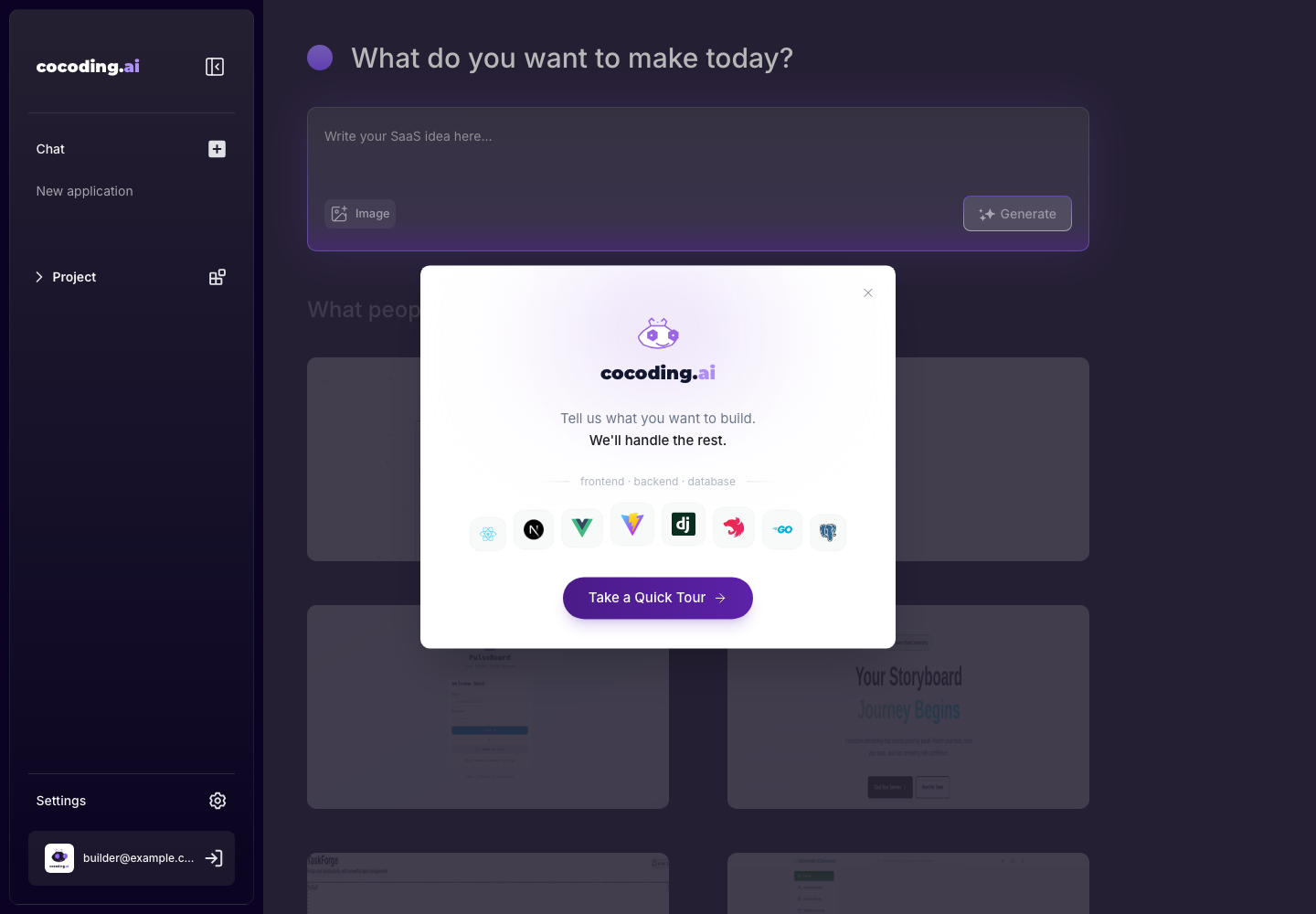
Common account tasks
- Confirm the signed-in account.
- Open billing or subscription pages.
- Send feedback or feature requests.
- Log out when using a shared device.
Settings tabs
Settings can include:
- Profile for username, profile picture, name, and profile bio.
- Account for account-level controls.
- Billing & Options for plan, credits, active projects, Git integration, runtime specs, agents, and support options.
- Labs for experimental options when available.
- Help for support and product guidance.
Project settings
Project-level settings are opened from the workspace toolbar. Use them for project-specific controls such as visibility, watermark, project information, and other options that affect the current generated app rather than your whole account.
Sign-out guidance
Always log out after using Cocoding AI on a shared machine. If you used a social provider, also review the provider's active sessions if the device was not trusted.