Download and GitHub
Some plans expose controls for downloading generated project code or connecting project work to GitHub.
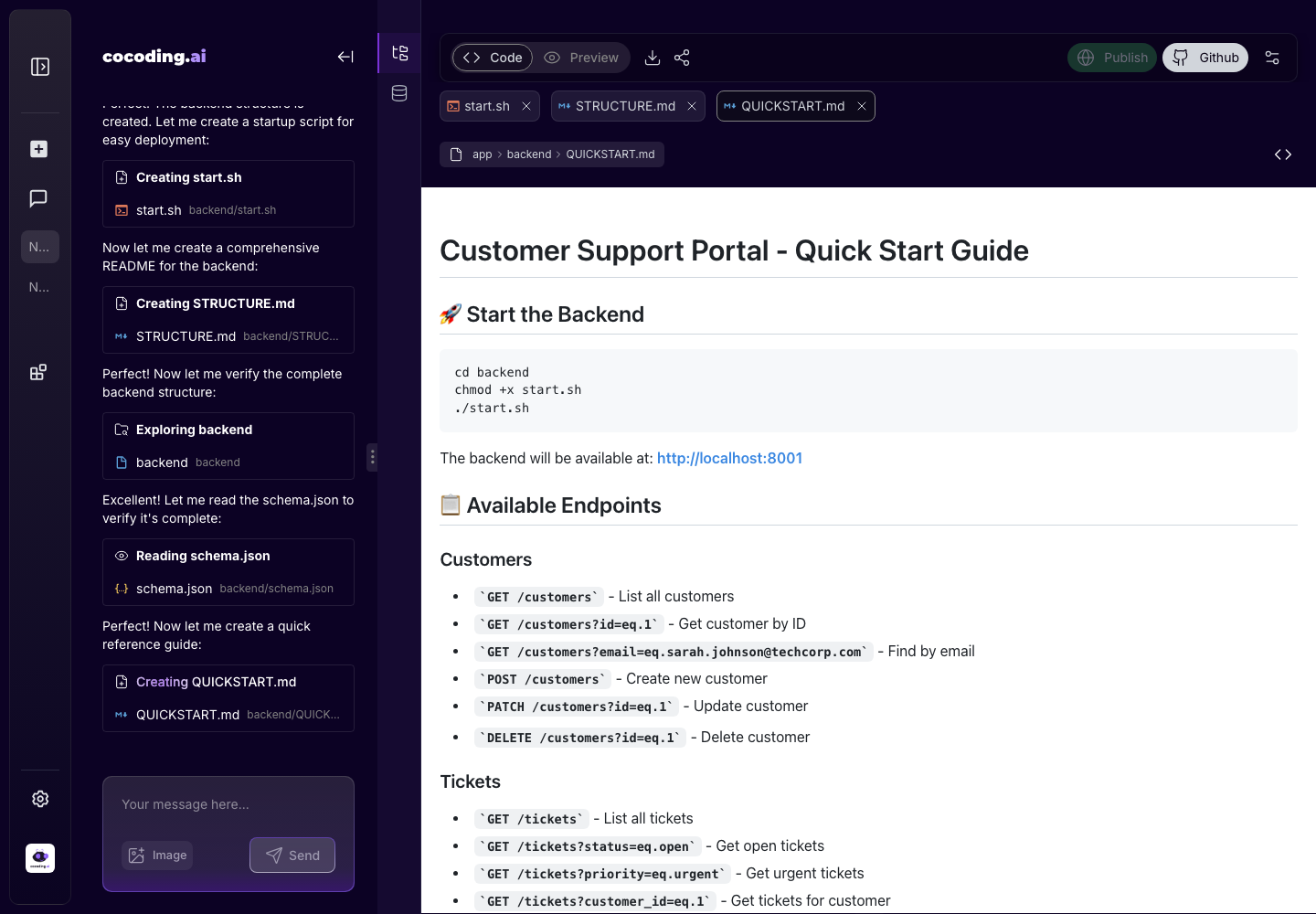
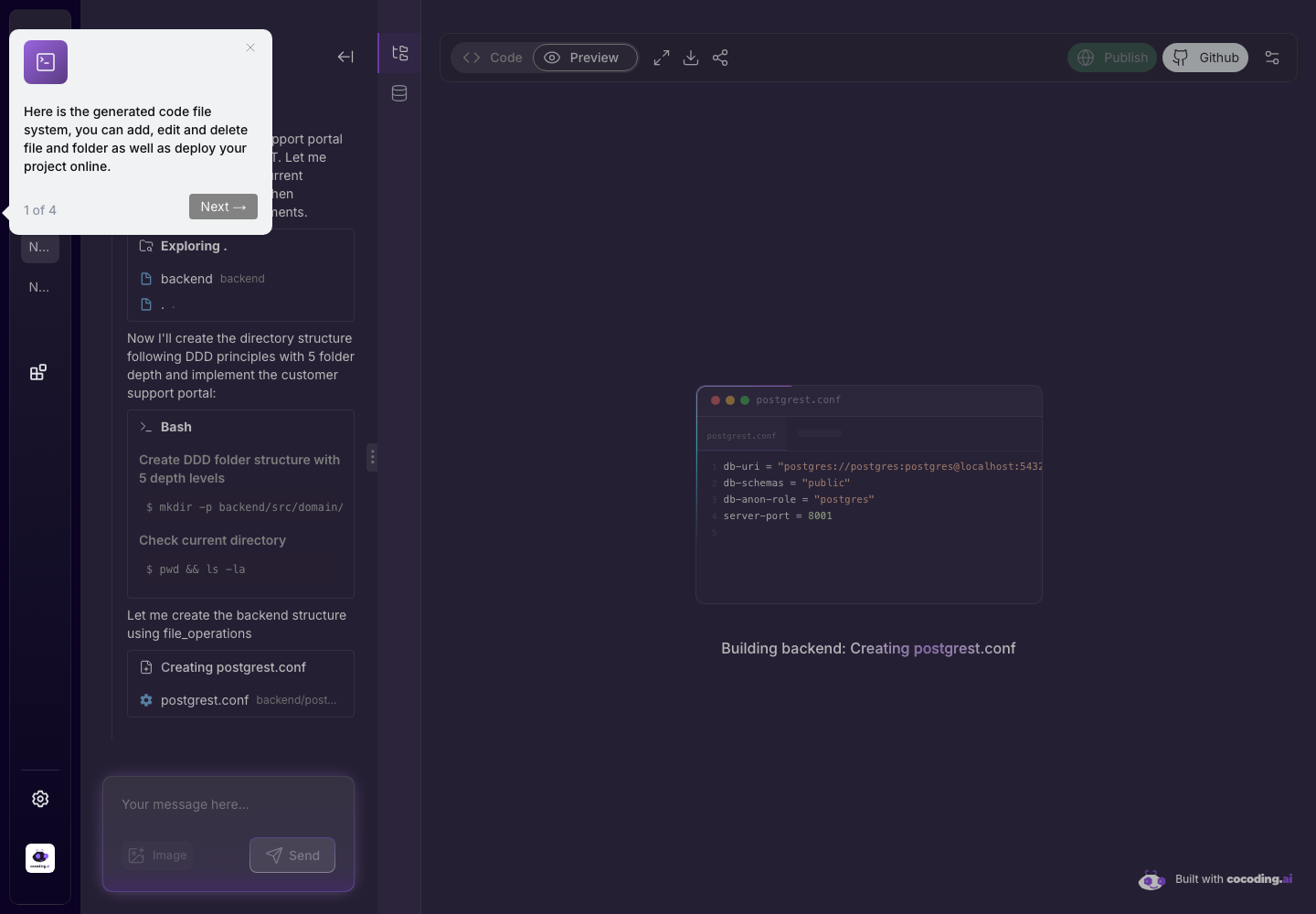
Download
Use download when you want to:
- Review the project locally.
- Hand the code to a developer.
- Store a snapshot before a large iteration.
- Move from prototype to a custom development workflow.
If download is unavailable, review plan requirements in Billing and plans.
Before downloading
Check the project in this order:
- Open Preview and test the main flow.
- Open Terminal or Output and confirm there are no blocking build errors.
- Review generated files in Code.
- Write down required environment variables.
- Remove sample data that should not travel with the export.
- Download or connect GitHub only after the app is in a known working state.
GitHub
Use GitHub controls when the project should be connected to a repository workflow. Before connecting:
- Confirm the target organization and repository.
- Avoid pushing secrets.
- Review generated code.
- Create a checkpoint before major changes.
Repository handoff checklist
When handing the code to a developer, include:
- The product goal and main user roles.
- Setup commands.
- Required environment variables.
- Database migration or seed steps.
- Integration setup notes.
- Known limitations or unfinished flows.
- Screenshots of the expected preview state.
After connecting GitHub
Use normal repository hygiene:
- Create branches for larger changes.
- Review diffs before merging generated work.
- Keep
.envfiles out of commits. - Add a README if the generated project does not already explain setup.
- Run local tests or build checks before deploying outside Cocoding AI.
Security reminder
Never commit API keys, OAuth secrets, payment provider secrets, or private database credentials into generated source code.