HubSpot
Use HubSpot for CRM workflows such as lead capture, contact enrichment, deal tracking, customer onboarding, and sales activity sync.
Example app: pipeline health dashboard
Build a HubSpot deal monitoring app.
Show deals by pipeline stage, health score, next step, owner, and last activity.
Highlight stalled deals and overdue tasks.
Allow admins to update next steps and create follow-up tasks.
Use HubSpot OAuth or a private app token, and store tokens server-side.
Decide the sync direction
| Direction | Example |
|---|---|
| App to HubSpot | A new lead form creates a HubSpot contact. |
| HubSpot to app | A deal status change updates the app dashboard. |
| Two-way sync | Contacts and deal fields stay aligned across both systems. |
Recommended environment variables
HUBSPOT_ACCESS_TOKEN=
HUBSPOT_PORTAL_ID=
HUBSPOT_WEBHOOK_SECRET=
For OAuth apps, use:
HUBSPOT_CLIENT_ID=
HUBSPOT_CLIENT_SECRET=
HUBSPOT_REDIRECT_URI=
HUBSPOT_ENCRYPTION_KEY=
Prompt Cocoding AI
Add HubSpot lead sync.
When a lead is submitted, create or update a HubSpot contact.
Map fields: email, first name, last name, company, lifecycle stage.
Use HUBSPOT_ACCESS_TOKEN on the server.
Show sync status and the latest HubSpot error in the admin dashboard.
Test CRM sync
- Use a test contact.
- Submit the lead form from the preview.
- Confirm the HubSpot contact is created or updated.
- Change a field and repeat the sync.
- Confirm duplicates are avoided by matching on email or another stable identifier.
HubSpot app setup
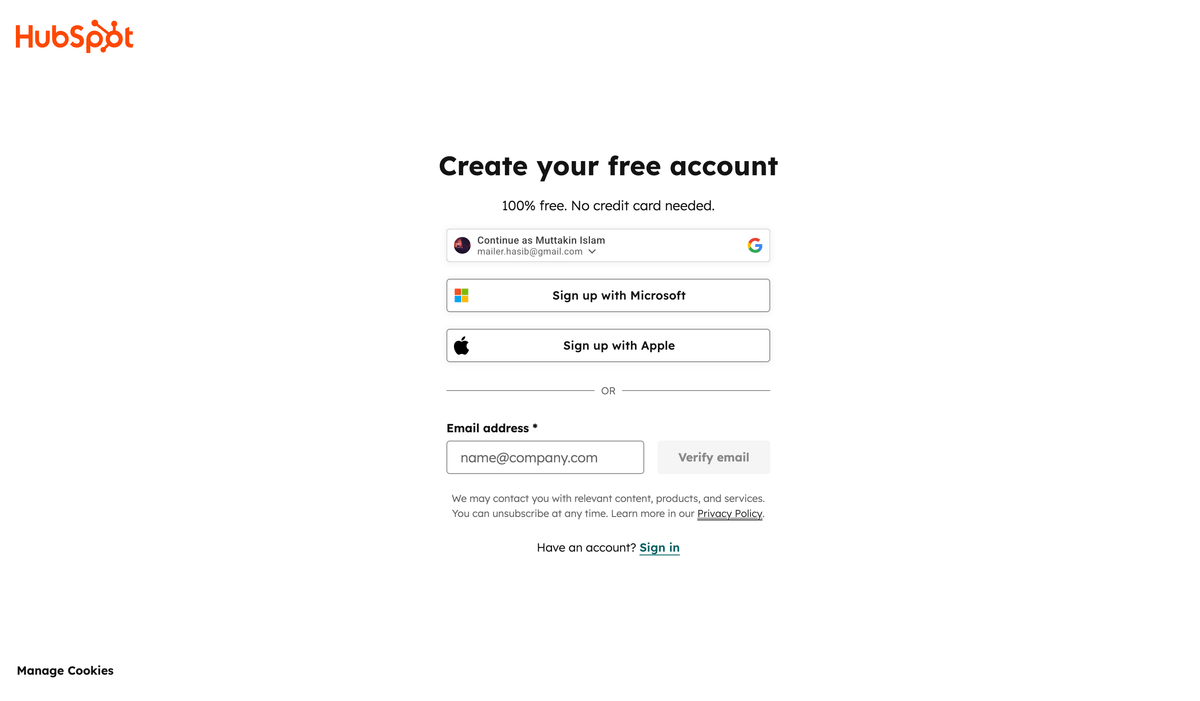
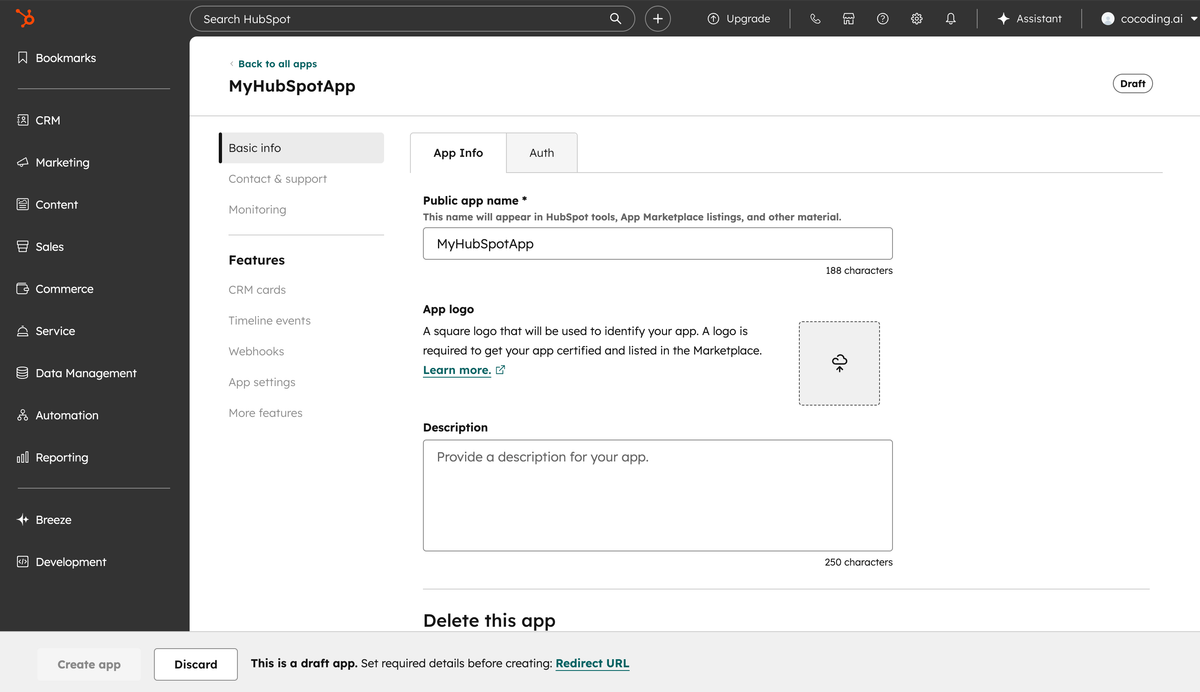
- Open HubSpot developer tools.
- Create a public app for OAuth or a private app for a single workspace.
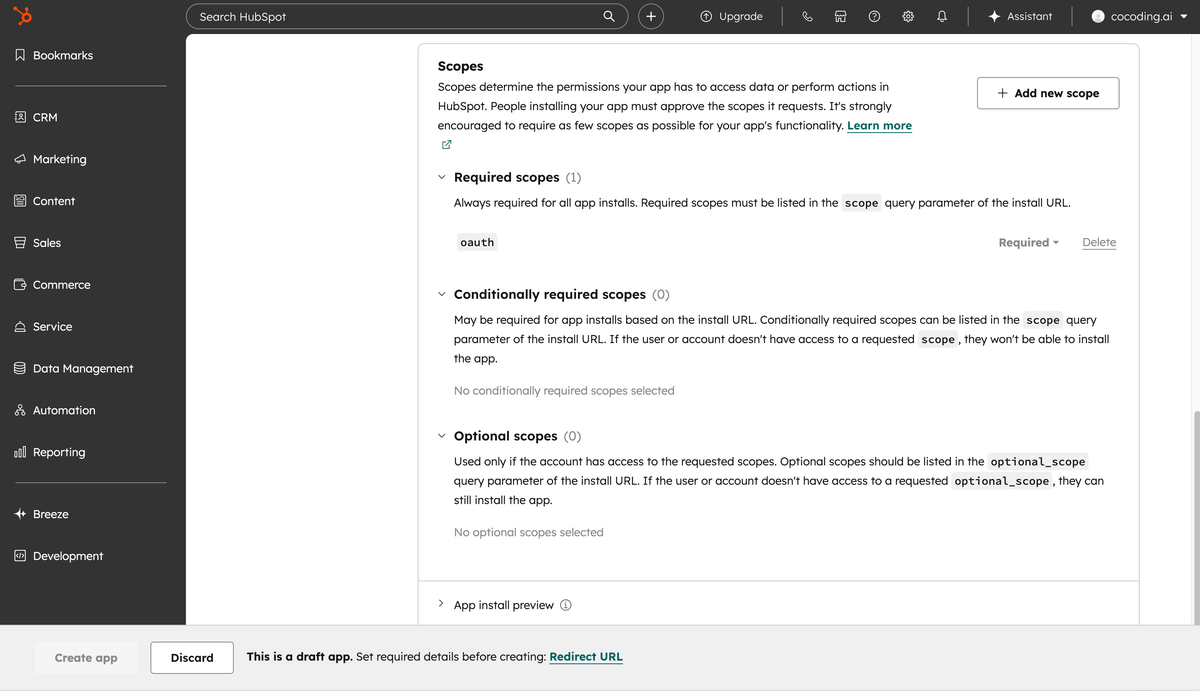
- Add only the CRM scopes your generated app needs.
- Configure redirect URLs when using OAuth.
- Copy internal property names for contacts, companies, deals, and tasks.
- Store tokens and client secrets server-side.
Suggested data mapping
| Cocoding AI field | HubSpot object |
|---|---|
| Lead email | Contact email |
| Company name | Company name |
| Deal amount | Deal amount |
| Deal stage | Pipeline stage |
| Follow-up date | Task due date |
| Notes | Engagement or note body |
Troubleshooting
| Symptom | Likely cause | What to check |
|---|---|---|
| Contact not created | Missing CRM scope | Add the required contact scope. |
| Duplicate contacts | No stable match key | Ask Cocoding AI to upsert by email. |
| Field ignored | HubSpot property name mismatch | Copy the internal property name from HubSpot. |
| Sync loops | Two-way updates not guarded | Add source tracking and last-updated checks. |