Preview, publish, and share
The preview area lets you test the generated application before you expose it to others.
Preview
Use Preview to check:
- Navigation.
- Forms and validation.
- Dashboard or admin screens.
- Responsive layout.
- Error states.
- Data-driven screens.
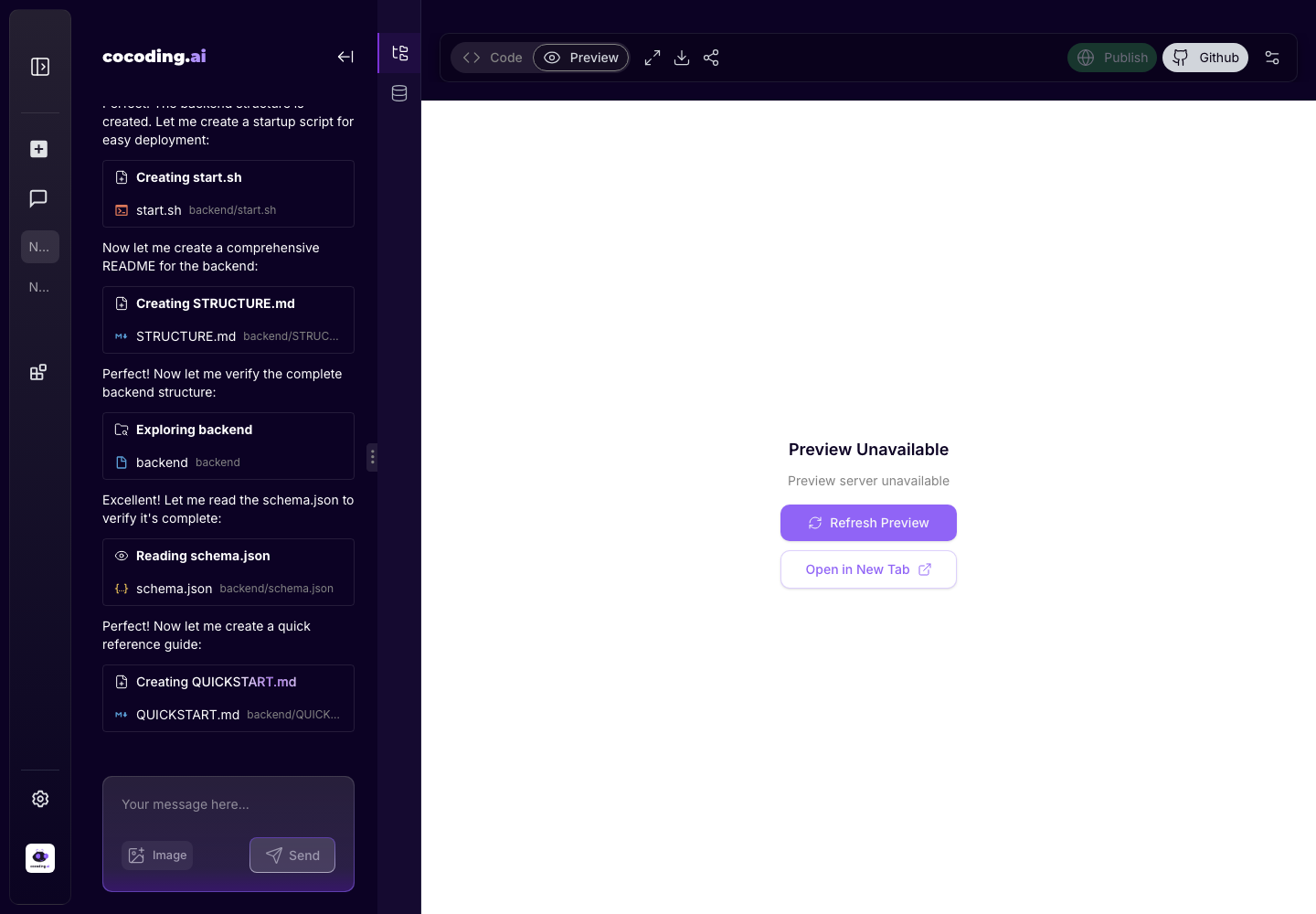
If preview is unavailable
Preview can be temporarily unavailable while the generated service is starting, while dependencies install, or when the app has a build error. Use this sequence:
- Wait a short moment and choose Refresh Preview.
- Open Code and check the assistant's latest files.
- Open Output or Terminal for startup errors.
- Paste the relevant error into the assistant and ask for a targeted fix.
Share
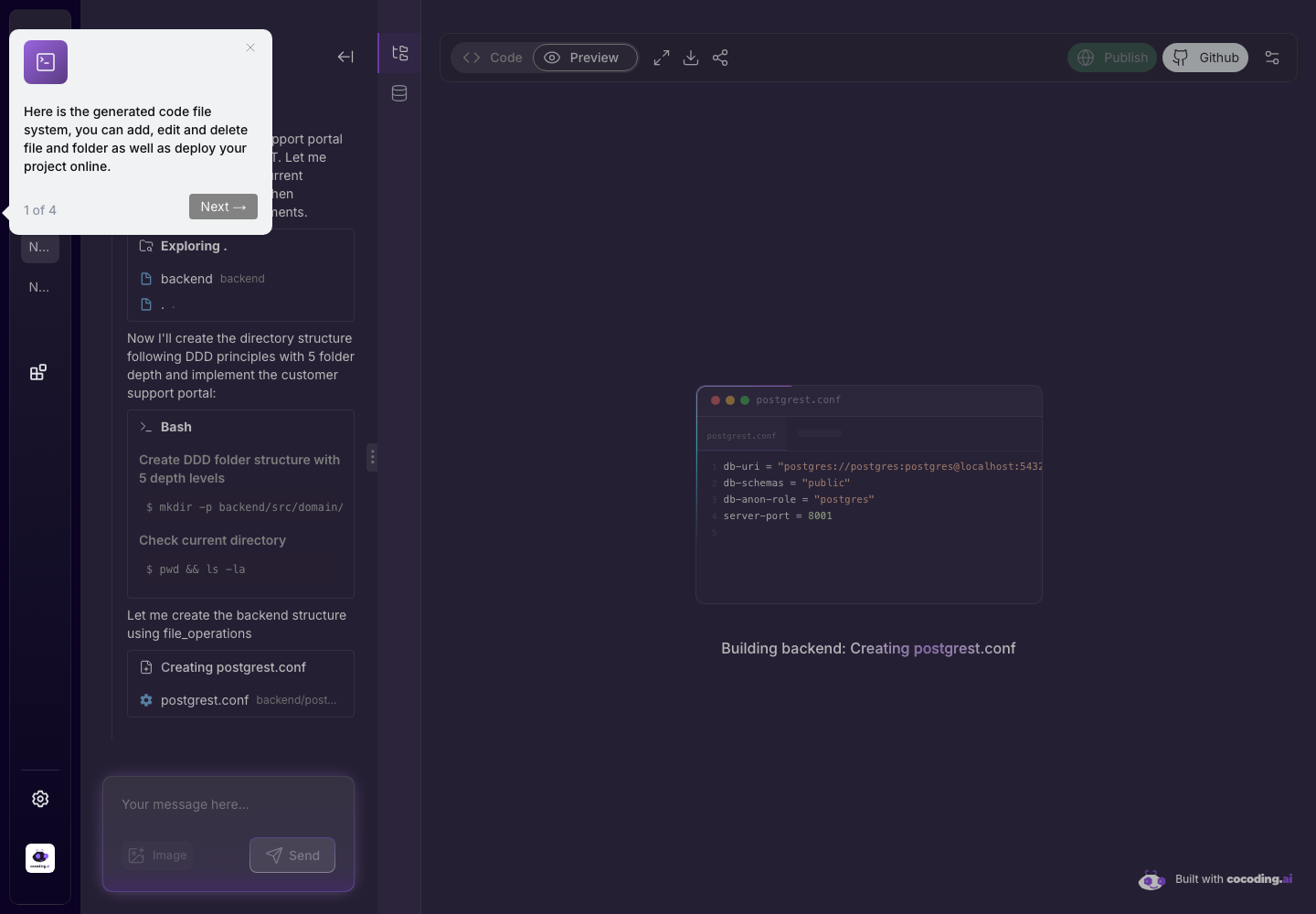
The share control copies or opens a preview link when the preview is available. If sharing is disabled, the project may still be building or the preview may have failed.
Publish
The publish control manages project visibility options. Available options can depend on your plan and project state.
Before publishing
- Test the core user flow end to end.
- Confirm mobile layout.
- Review any sample data.
- Remove placeholder copy.
- Verify database and payment behavior if the app uses those features.