First app checklist
Use this checklist before you generate your first Cocoding AI application.
Before you press Generate
- Write the target user and business purpose.
- List the main screens and user actions.
- Name the key data objects, such as users, bookings, invoices, tasks, or products.
- Mention authentication, payment, calendar, messaging, or admin needs.
- Add reference screenshots or sketches if visual direction matters.
- State what "done" should look like for the first version.
Example first prompt
Build a small hotel booking SaaS for boutique hotels.
It needs a public listing page, room detail pages, date selection,
guest checkout, an admin dashboard for rooms and bookings, and a PostgreSQL database.
Use a clean modern design, mobile-first layout, and include sample data.
More complete prompt example
Use a longer prompt when you want Cocoding AI to generate a real MVP instead of a single page.
Build a production-ready vacation rental marketplace.
Guests can search stays, view property details, book dates, and pay.
Hosts can create listings, manage availability, and review bookings.
Admins can moderate listings, users, and booking disputes.
Use sample data, authentication, a PostgreSQL schema, responsive UI,
and clear deployment notes. Include tests or a testing checklist.
Information to gather first
| Question | Example answer |
|---|---|
| Who uses the app? | Guests, hosts, and admins. |
| What must users do first? | Search a property, open details, then book dates. |
| What data must be saved? | Users, listings, bookings, payments, reviews. |
| What integrations matter? | Stripe checkout, email notifications, calendar sync. |
| What should be visible in preview? | Seed listings, admin table, booking form, status badges. |
| What should be avoided? | No real payment keys, no customer data, no production secrets. |
Start from the assistant
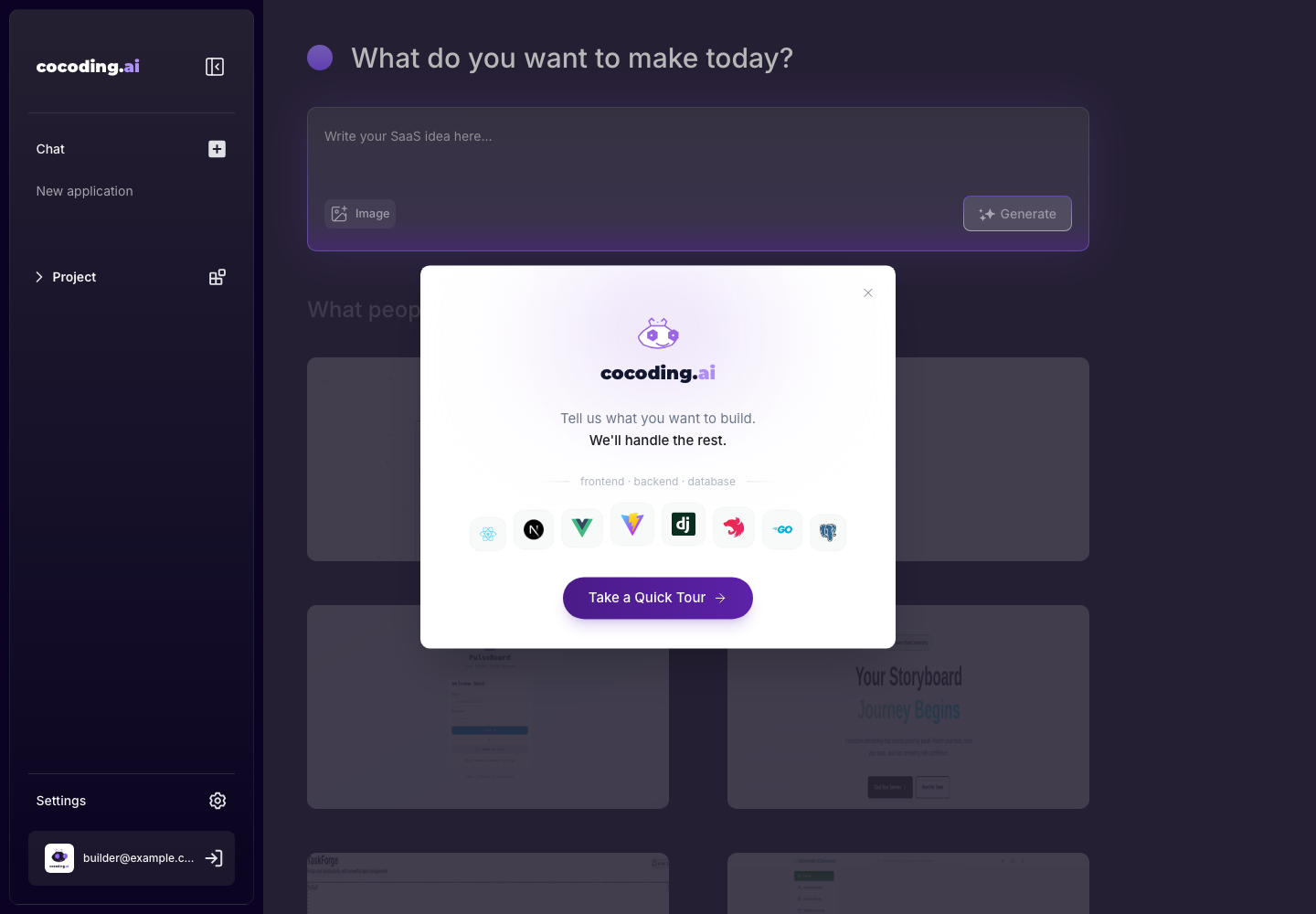
Open the assistant, enter your prompt, attach images if needed, then choose Generate.
First successful result
A successful first build gives you a project session with chat history, editor controls, preview area, and generated project files or build status. If the preview is not ready yet, check terminal output and assistant messages before making another request.
After generation starts
Watch for three signals:
- Assistant messages that explain what Cocoding AI is creating.
- Generated files appearing in the code explorer.
- Preview or terminal output showing the app runtime state.
Do not send several unrelated follow-up prompts while the first generation is still running. Wait for the workspace to stabilize, test the preview, then ask for one focused change.