Use WhatsApp for appointment reminders, order updates, lead follow-up, support routing, and workflow alerts.
Example app: appointment reminders
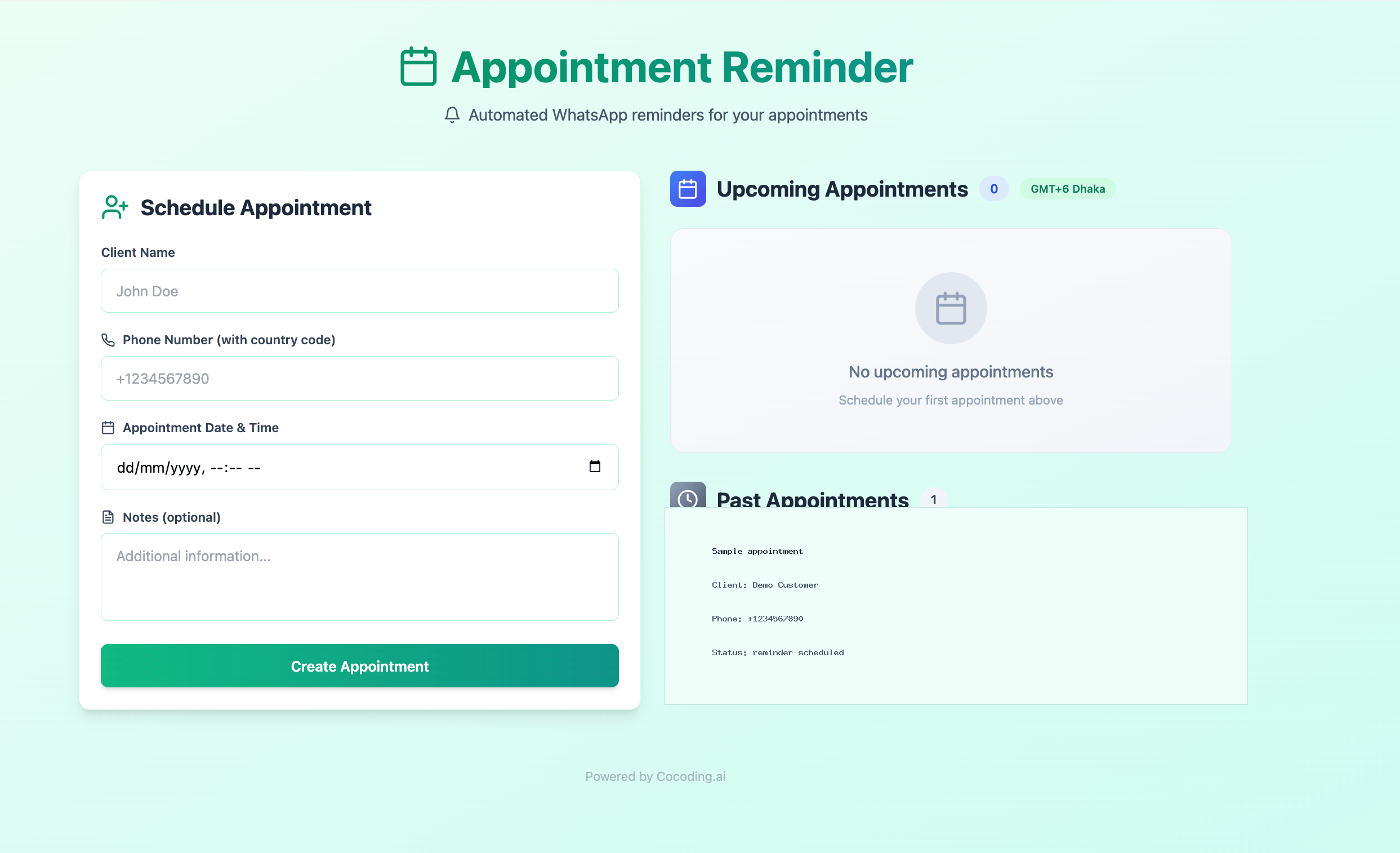
An appointment scheduler is a good reference app for WhatsApp reminders. A practical prompt for that workflow is:
Build an appointment reminder app with React, NestJS, PostgreSQL, and WhatsApp messaging.
Users can create appointments with client name, phone number, appointment time, and notes.
Send WhatsApp reminders automatically at the configured time.
Show upcoming appointments, past appointments, delivery status, and failures.
Use server-side environment variables for all provider credentials.
Choose a WhatsApp provider
Most apps use one of these paths:
- WhatsApp Business Cloud API for direct Meta-managed messaging.
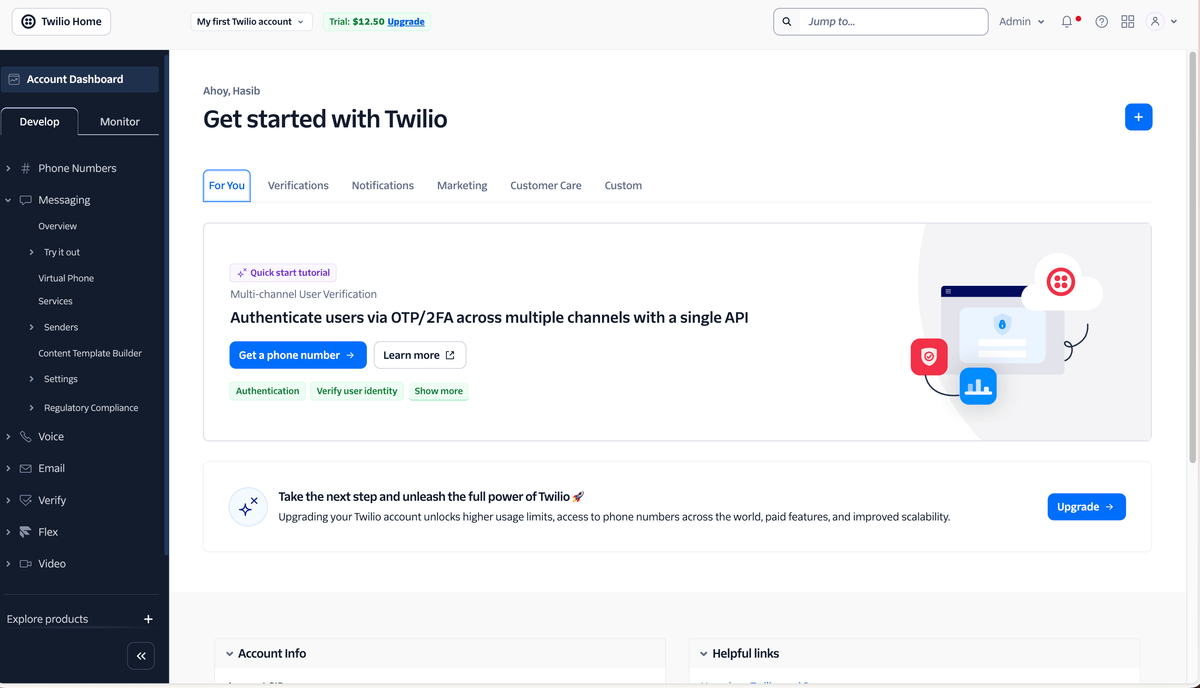
- Twilio WhatsApp for a provider-managed sender, templates, and delivery tooling.
- Another approved messaging provider if your team already uses one.
Prepare provider details
Collect these values from your provider, then store them as server-side configuration:
WHATSAPP_PROVIDER=
WHATSAPP_ACCOUNT_ID=
WHATSAPP_AUTH_TOKEN=
WHATSAPP_FROM_NUMBER=
WHATSAPP_TEMPLATE_ID=
WHATSAPP_WEBHOOK_SECRET=
Use provider-specific names if your account requires them. Never expose auth tokens in browser code.
Twilio sandbox setup
If you use Twilio WhatsApp while building:
- Create or open a Twilio account.
- Open Messaging > Try it out > Send a WhatsApp message.
- Join the sandbox from the phone that will receive test messages.
- Copy the sandbox sender number, usually formatted as
whatsapp:+14155238886. - Copy the Account SID and Auth Token into server-side runtime configuration.
- Restart the generated backend after changing environment variables.
Phone numbers in the app should include a country code and a leading plus sign, such as +1234567890.
Prompt Cocoding AI
Add WhatsApp reminders for bookings.
Use server-side environment variables for the WhatsApp provider credentials.
Send only approved template messages.
Add an admin status field showing sent, failed, or pending.
Test safely
- Use a provider sandbox or test sender.
- Add only opted-in test recipients.
- Send one test event from the preview.
- Confirm provider delivery logs.
- Confirm the app stores a message status and failure reason.
Generated app example
Production checklist
- Move from sandbox to an approved production sender.
- Use approved WhatsApp templates where required.
- Store consent or opt-in status.
- Add retry and failure logging.
- Add timezone handling for appointment reminders.
- Keep provider tokens out of client-side code and screenshots.
Troubleshooting
| Symptom | Likely cause | What to check |
|---|---|---|
| Message rejected | Template not approved | Check provider template status and language. |
| No delivery | Recipient not opted in | Confirm sandbox or business opt-in rules. |
| Webhook not received | Wrong callback URL | Copy the deployed webhook URL into the provider dashboard. |
| Credential error | Token missing or wrong provider selected | Verify server-side variables and provider mode. |