Iterate with AI
Most projects improve through short feedback loops. Use the assistant to request changes, then verify them in code and preview.
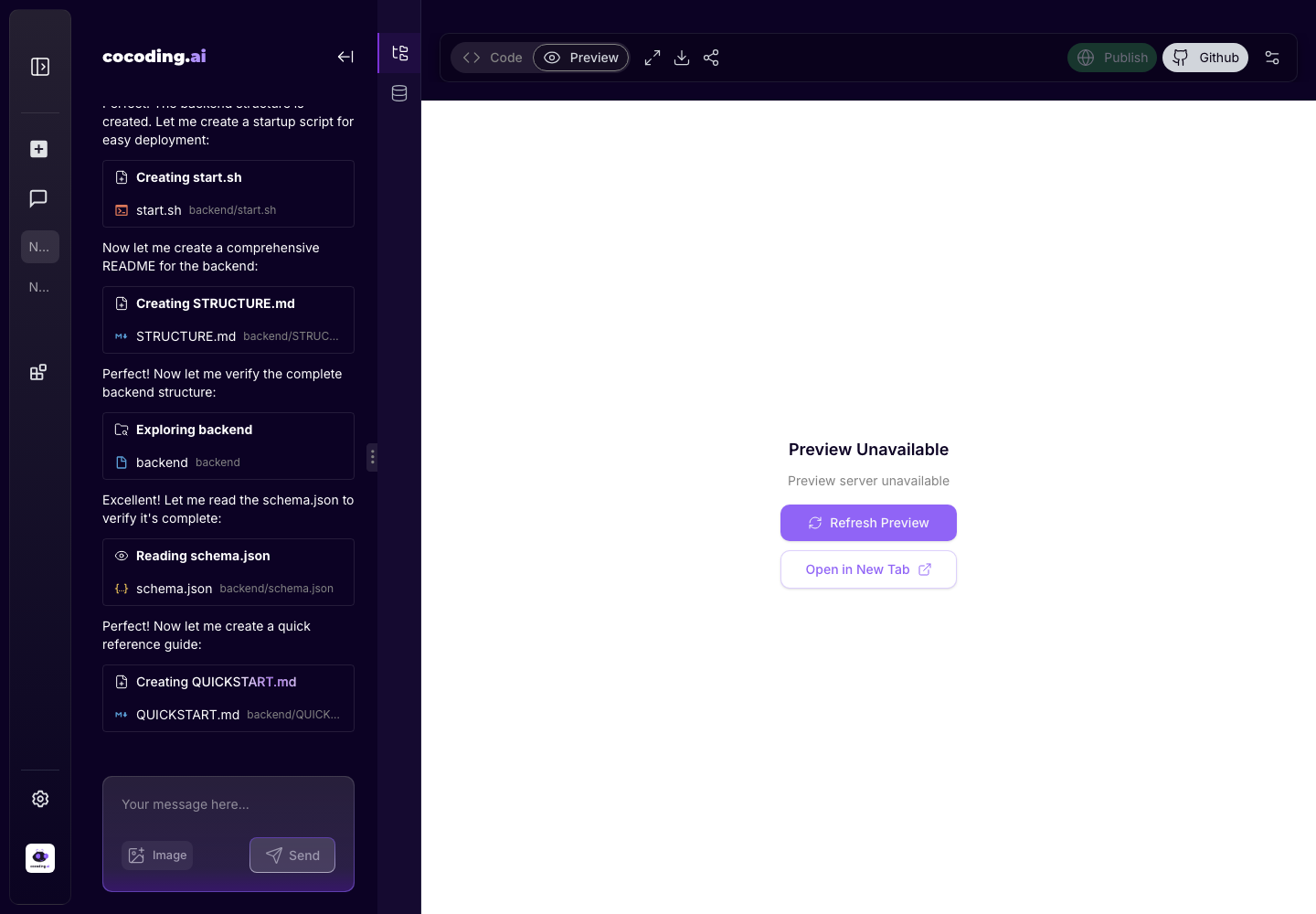
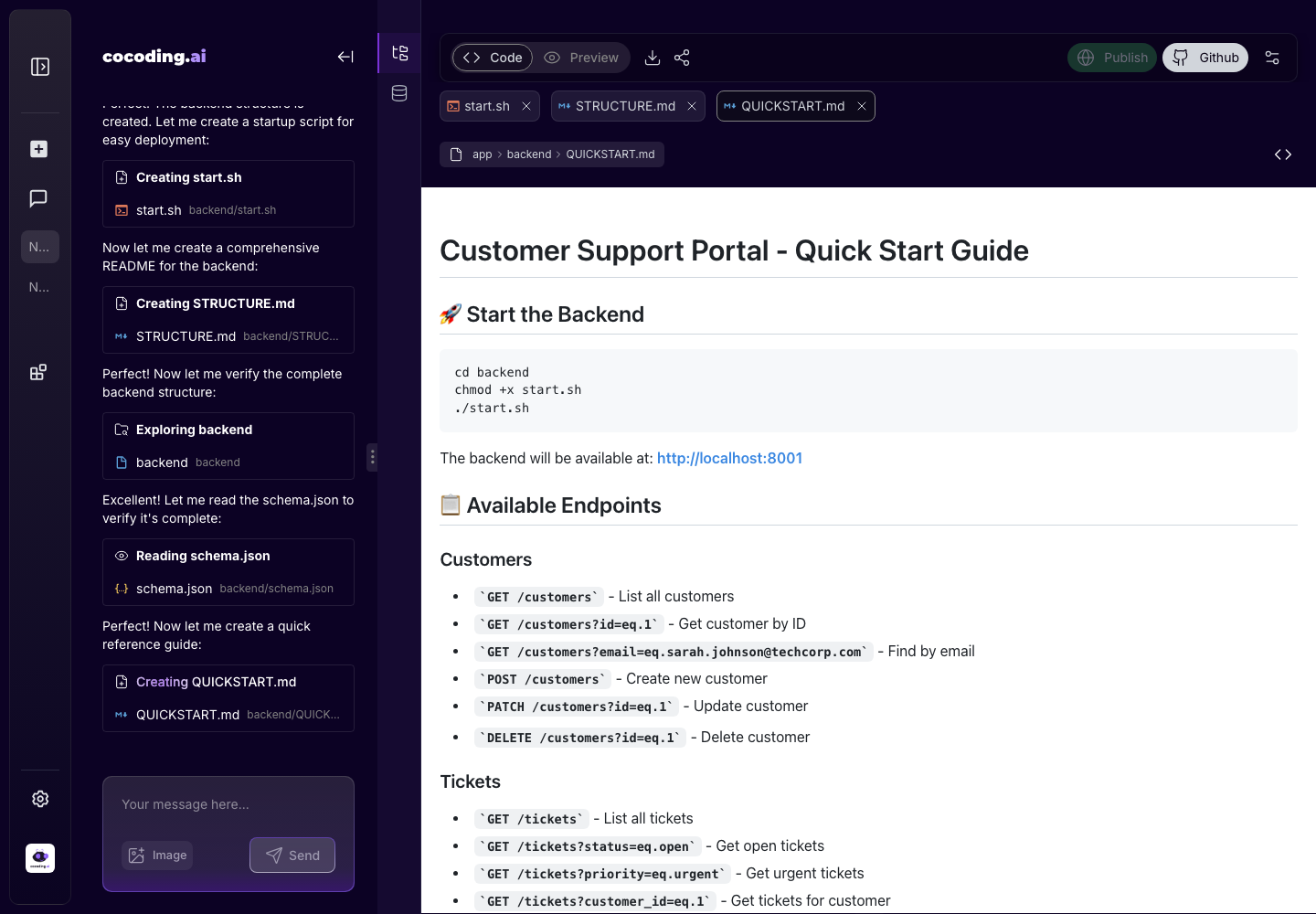
A reliable iteration loop
- Review the preview.
- Identify one issue or improvement.
- Ask for a focused change.
- Wait for the assistant to apply it.
- Check terminal output for errors.
- Test the preview again.
What to inspect before asking
| Area | What to check |
|---|---|
| Preview | Does the user flow work from start to finish? Are empty and error states visible? |
| Code | Did the assistant edit the expected files? Are routes, components, and API calls named clearly? |
| Terminal | Are installs, migrations, or builds failing? Is the server listening on the expected port? |
| Database | Do tables and records match the product workflow? |
| Mobile | Does the layout remain readable when the viewport is narrow? |
Example iteration prompts
On the booking checkout screen, add validation for check-in and check-out dates.
Show a clear inline error if check-out is before check-in.
Add an admin page for managing rooms.
Each room needs a name, price per night, capacity, availability flag, and image URL.
The preview navbar is too tall on mobile.
Reduce the mobile header height and keep the menu button easy to tap.
The admin table needs bulk actions.
Add checkboxes, a bulk status update menu, and a confirmation step before applying changes.
The generated dashboard numbers are static.
Connect the cards to the bookings and payments tables and add loading and empty states.
When a change gets too large
Split it into smaller prompts:
- Database model changes first.
- Admin screens second.
- Public customer flow third.
- Styling and responsive polish last.
Ask for explanations when needed
Use explanation prompts when you need confidence before continuing:
Explain what files changed, which database tables are affected, and what I should test next.
This is especially useful before asking for integrations, authentication changes, migrations, or billing logic.
Recovery prompts
If a change breaks the app, keep the request specific:
The preview is blank after the last change.
Use the terminal error below to fix the root cause.
Do not redesign unrelated screens.
[paste only the relevant error]
If the assistant misunderstood the product requirement, restate the rule and the exact screen:
On the host bookings page, hosts should only see bookings for their own listings.
Update the query and access logic for that page only.