Project gallery
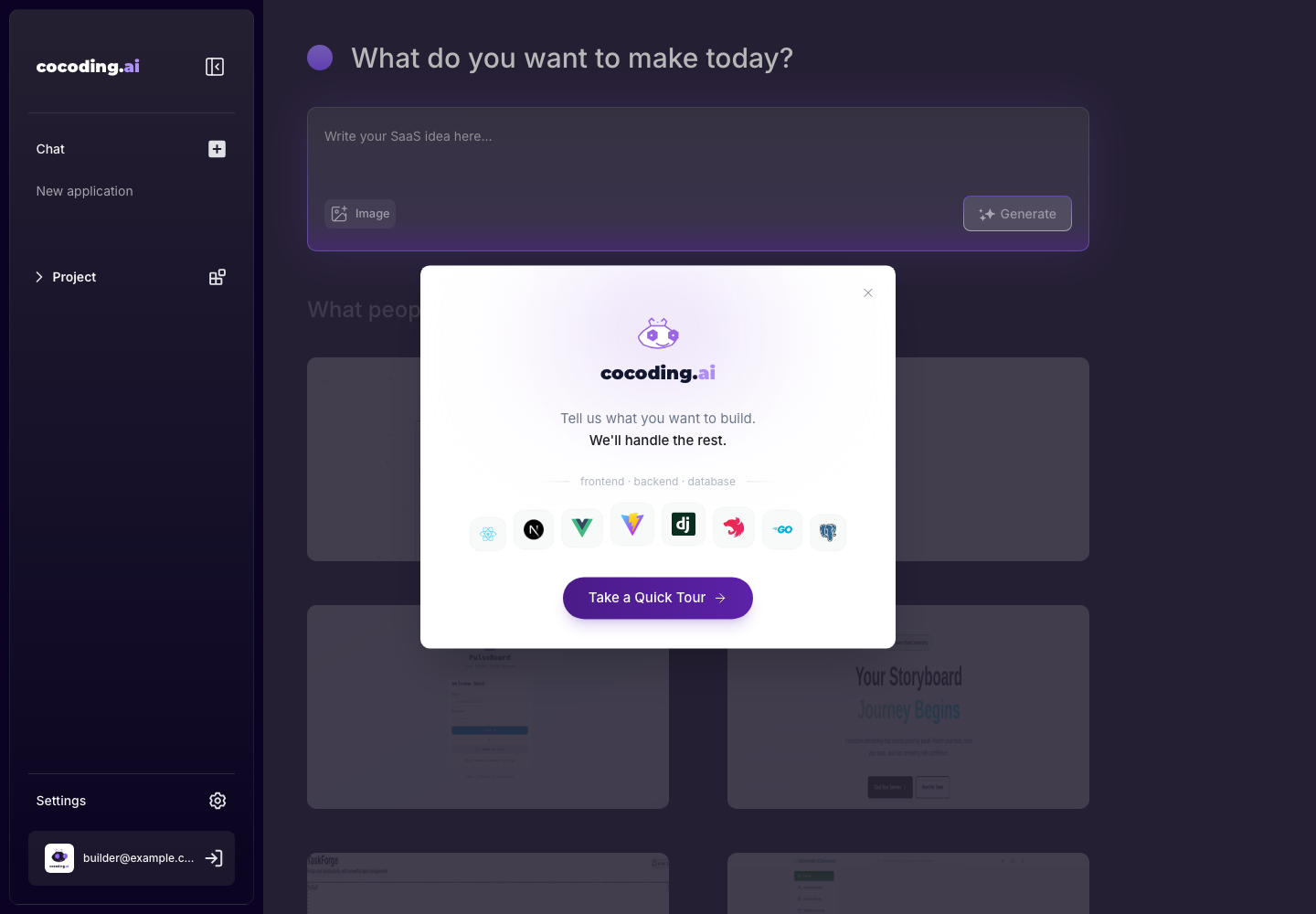
The assistant page includes a Project area and public project cards. Use these to inspect generated examples or open previous generated previews.
What to use it for
- Open previously generated project previews.
- Review examples for prompt inspiration.
- Compare app layouts before starting a new project.
Reviewing an example
When you open an example or previous project, check:
- What user role the example targets.
- Which pages and navigation patterns are useful.
- Whether the layout is suitable for desktop, mobile, or both.
- Which data objects the example implies.
- Which parts should not be copied, such as private content, branding, or placeholder business logic.
Use examples as inspiration, then write your own prompt in product language.
Use the marketplace dashboard pattern as inspiration.
Build a customer support portal instead, with tickets, priorities, assignees, SLA status, and customer profiles.
Notes
Some cards may open a public preview in a new tab. If a preview does not load, return to the assistant and check whether the underlying project is still available.
When a project is missing
If a previous project card is unavailable:
- Check that you are signed in with the correct account.
- Confirm whether the project was deleted or expired.
- Search by project name if the gallery has many entries.
- Start a new project from the original prompt if the preview cannot be restored.